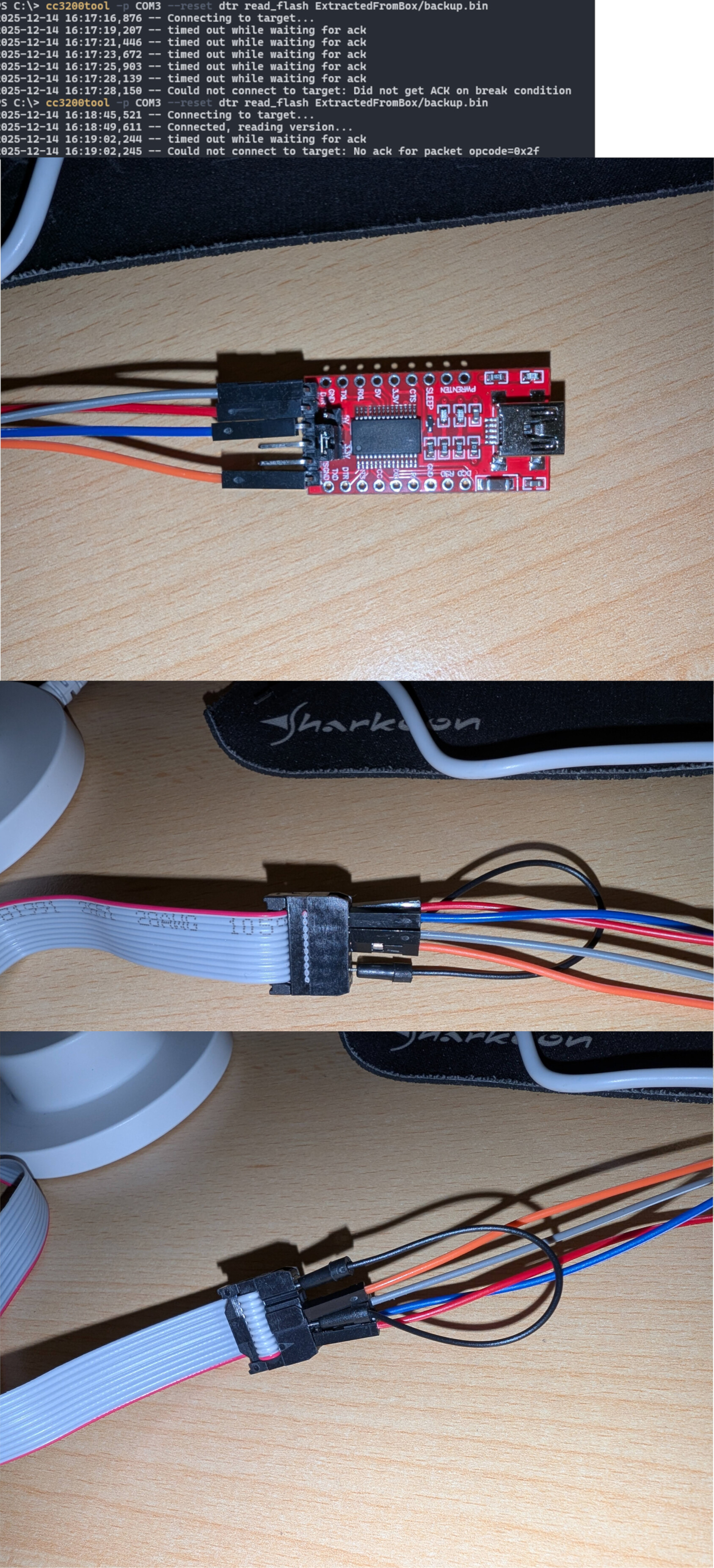
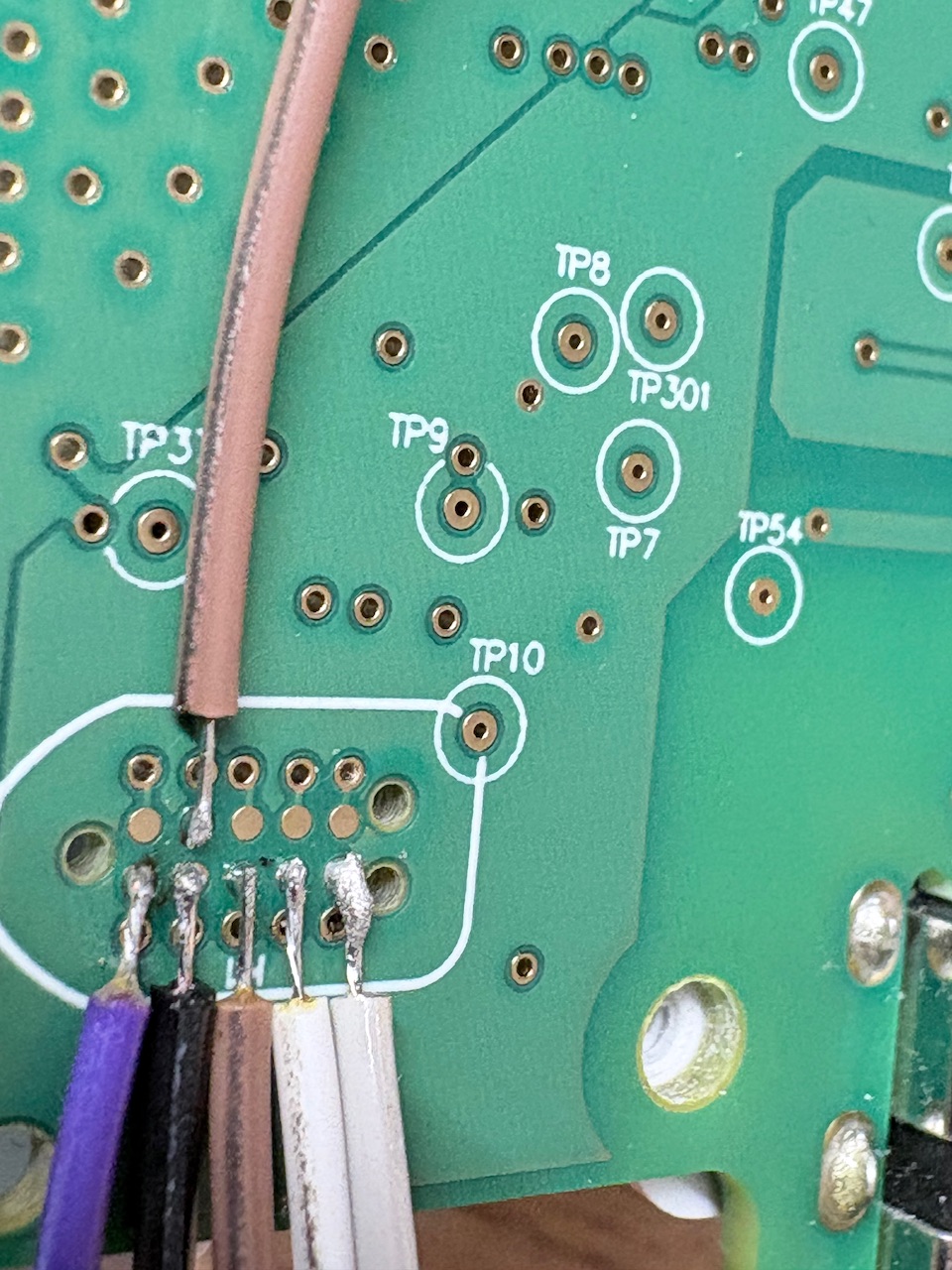
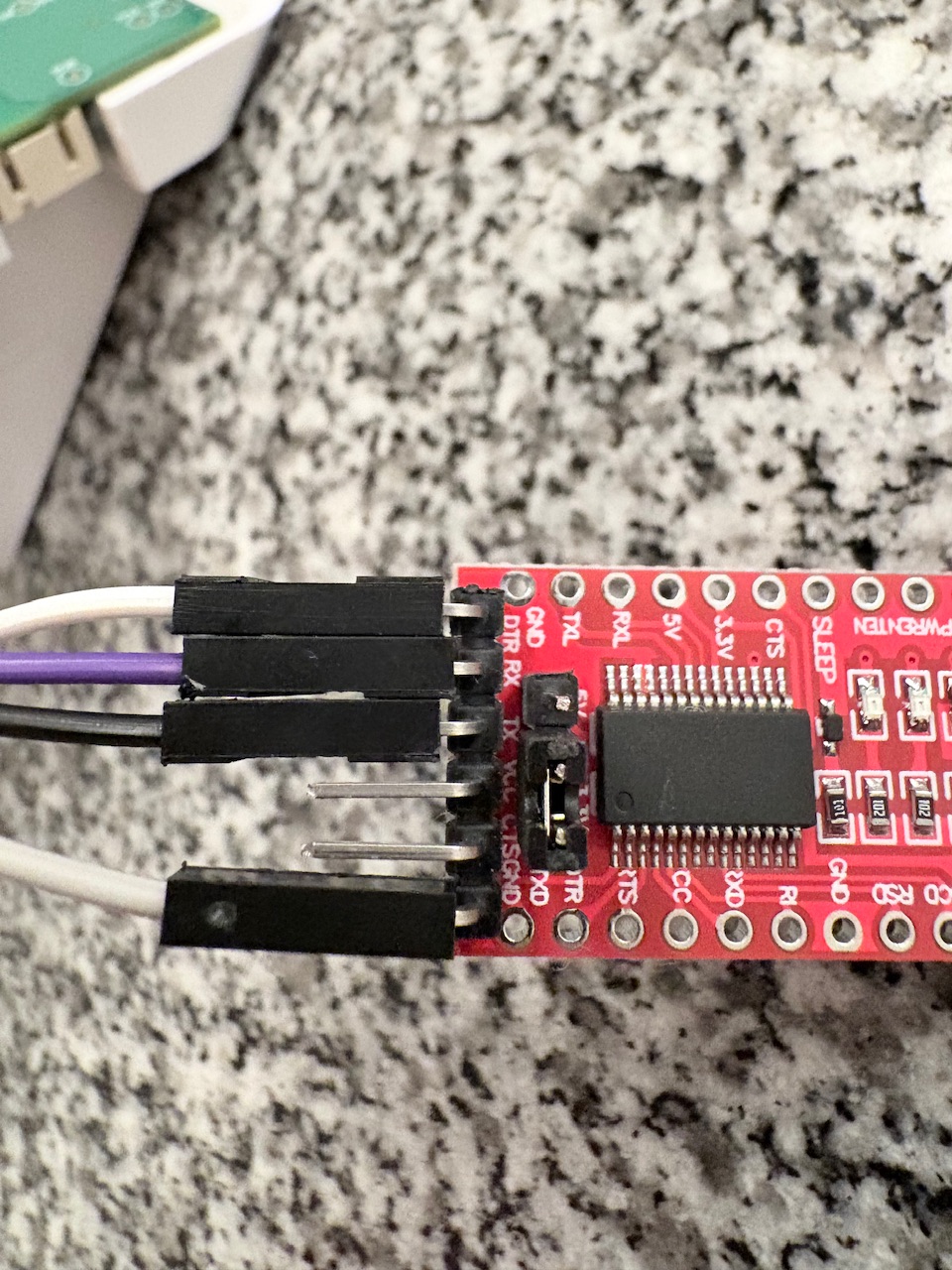
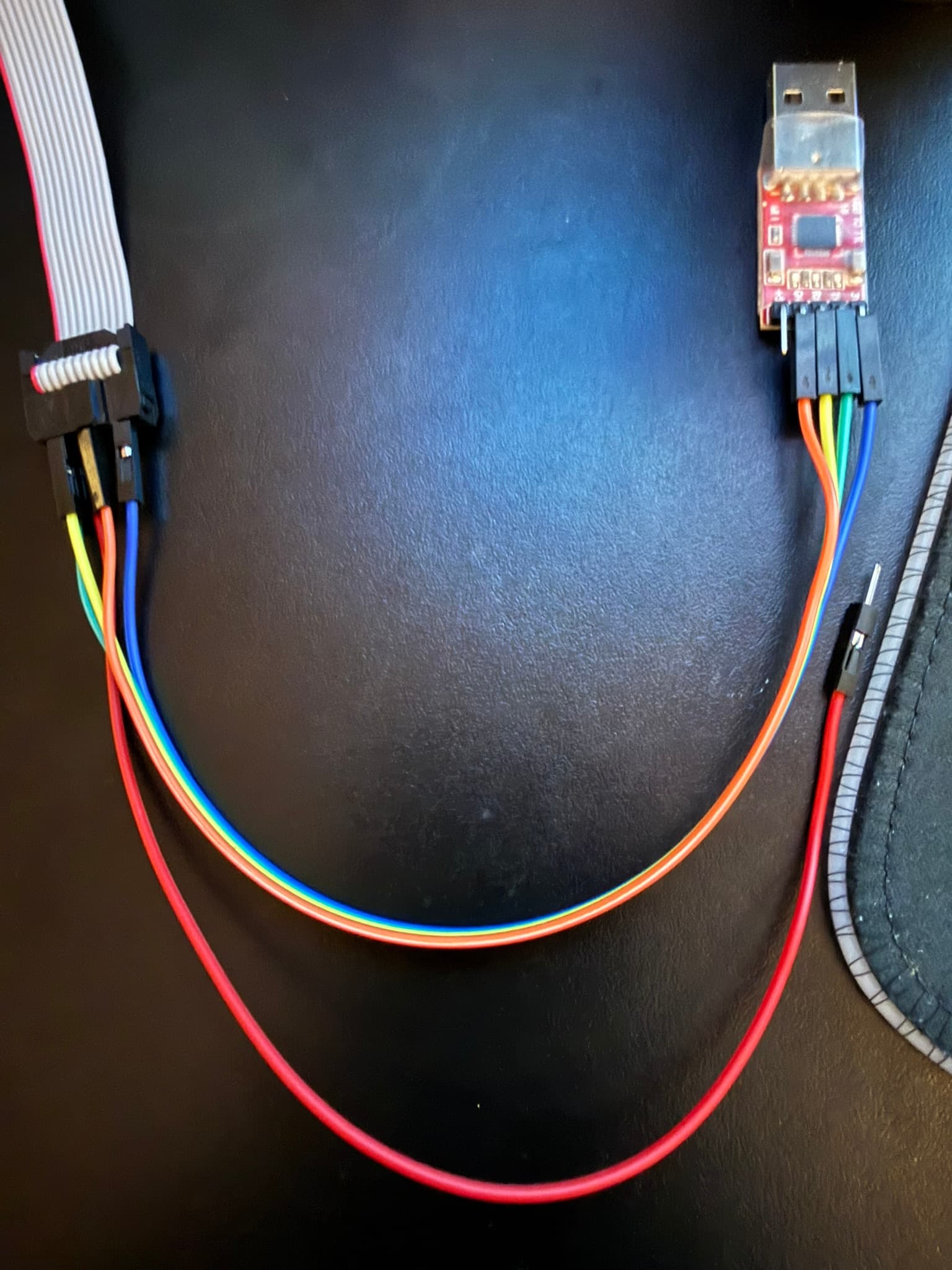
I’m having troubles with establishing the connection to the board. When SOP2 is high via bridge to board VCC or connected to UART VCC, I’m receiving the “timed out while waiting for ack”. When SOP2 is not connected at all, the tool seems to get a connection (Connected, reading version…) but also finally times out.
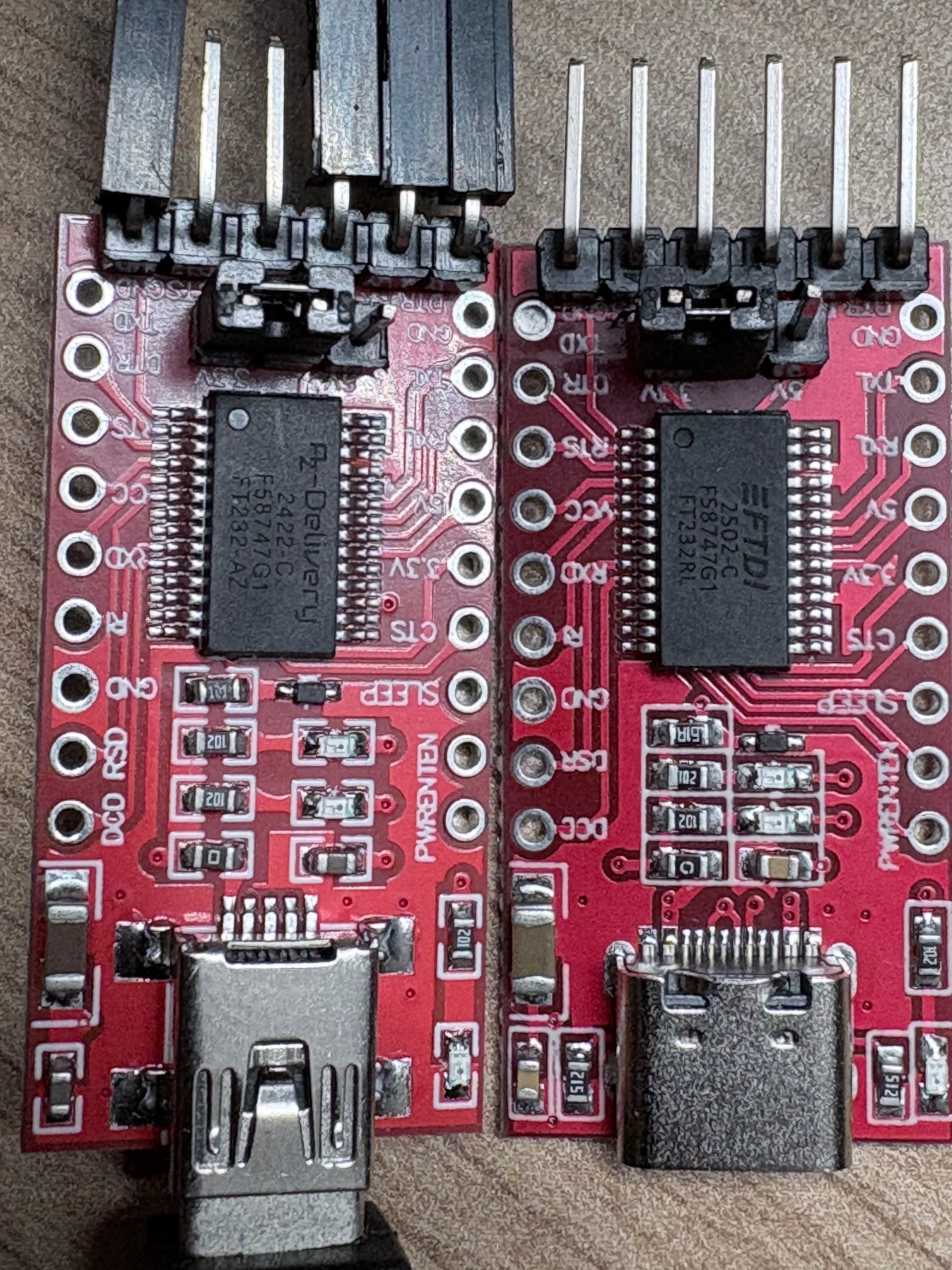
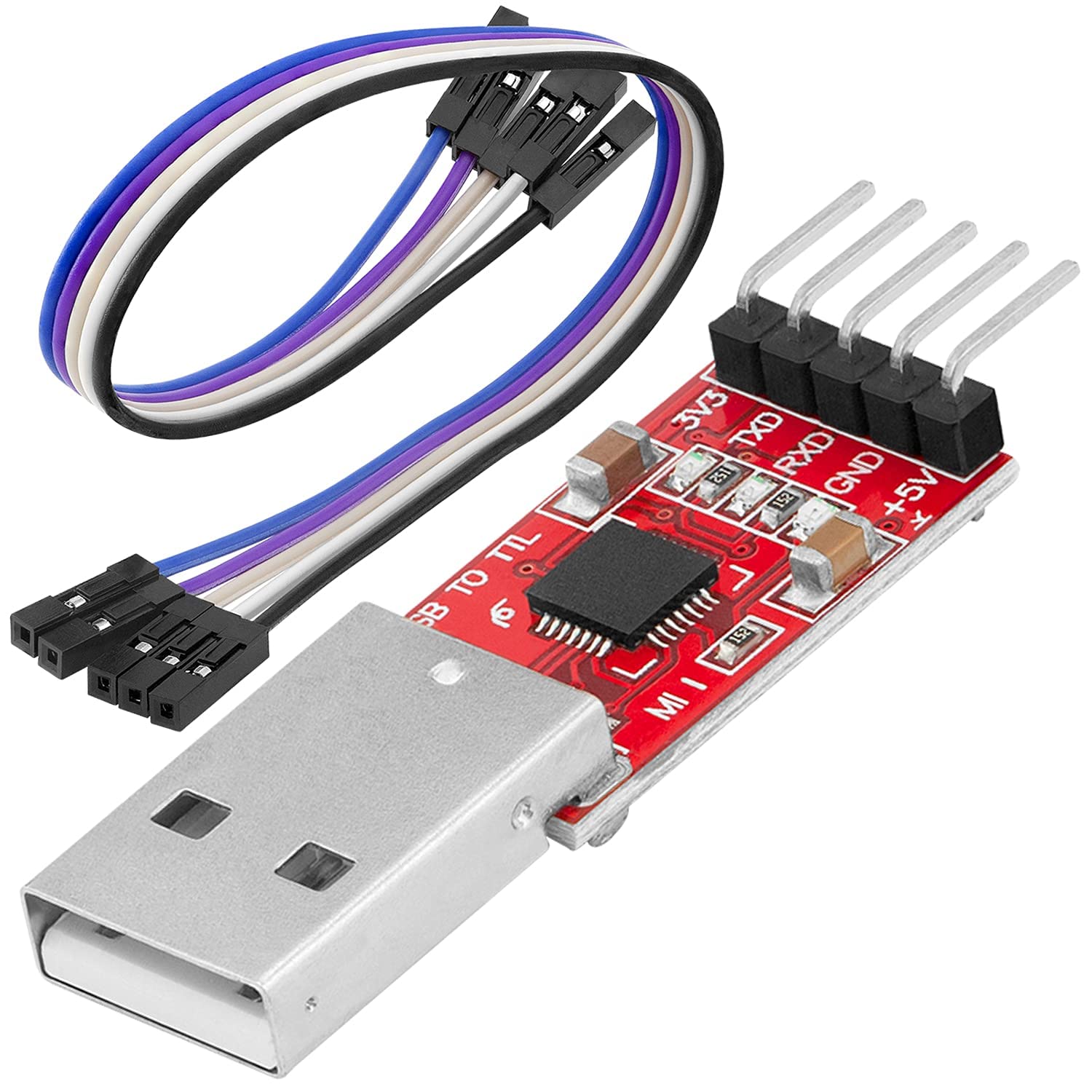
I’m using the AZ delivery UART with Mini USB but I noticed it has another chip revision (2422 C) as some of the pictures in other topics show. I’m also using a 10-pin tag connector. I’ve measured the pins to confirm the connection, which should be alright.
I can’t figure out, why the setup does not work. Does someone see any issues with my setup?
I‘ve exactly the same problem. The Connection should be fine. I‘ve soldered and beeped it.
I had the usb-c version and bought the azdelivery as it was recommended.
Neither of them works
command without VCC=SOP2
cc3200tool.exe -p COM7 --reset=dtr read_all_files ExtractedFromBox/ read_flash backup.bin 2025-12-14 20:49:07,796 – Connecting to target… 2025-12-14 20:49:10,100 – timed out while waiting for ack 2025-12-14 20:49:13,729 – Connected, reading version… 2025-12-14 20:49:25,906 – timed out while waiting for ack 2025-12-14 20:49:25,907 – Could not connect to target: No ack for packet opcode=0x2f
command with VCC=SOP2
cc3200tool.exe -p COM7 --reset=dtr read_all_files ExtractedFromBox/ read_flash backup.bin 2025-12-14 20:49:35,342 – Connecting to target… 2025-12-14 20:49:37,643 – timed out while waiting for ack 2025-12-14 20:49:39,852 – timed out while waiting for ack 2025-12-14 20:49:42,069 – timed out while waiting for ack 2025-12-14 20:49:44,286 – timed out while waiting for ack 2025-12-14 20:49:46,490 – timed out while waiting for ack 2025-12-14 20:49:46,491 – Could not connect to target: Did not get ACK on break condition
First of all don’t use the UART with USB-C - i don’t know why, but they didn’t work.
I’ve spend over 5 hours before i give up and ordered another UART… The new version of teddycloud (update last week) has a new notification about the usb-c problem!
I’ve used a “AZDelivery CP2102 USB to TTL Konverter HW-598” - but it doesn’t have the DTR Pin - no auto reset, but that is no problem - workaround at the bottom.
The “AZDelivery FT232RL with mini USB” should work as well and has auto reset support - but only the Mini USB one! The USB-C Type one IS NOT WORKING!
For now I recommend the CP2102 (bought last Friday on Amazon) worked like a charm today!
Flashed 3 different CC3200 Boxes today (2x V1 and 1x V2)
With the CP2102 use only the commands plain! No –reset or –sop2 parameters.
To Reset the CC3200 when the “timed out while waiting for ack” message arrives short bridge the box RST with GND and the box restarts and reconnect to the UART.
I’ve connected another cable from the box RST to a pin end. That is used for box connection reset later.
Commands
Change the X from COMX with your COM port (COM3 for example)
Open a terminal and create and enter a new folder. Then run the commands (like in the guide): cc3200tool -p COMX read_all_files ExtractedFromBox/ cc3200tool -p COMX read_flash backup.bin
When you get a timed out while waiting for ack - then close the connection between RST and GND of the box to reset the connection (or lift up the Tag Connector from the pins and reconnect it)
Don’t use any parameters like --reset dtr or something like that, cause the CP2102 has no dtr or rts!
Thats all - now you can follow the guide @ teddycloud with no problems.
It worked immediately for me as well with the CP2102. Would have saved me a lot of time if I had used it right away instead of the “AZDelivery FT232RL” (also mini-USB).
Thanks a lot for the assistance! And for the great teddycloud project/software!
Next step for me is the integration with home assistant and “music server 4 home” / Lyrion Music Server.