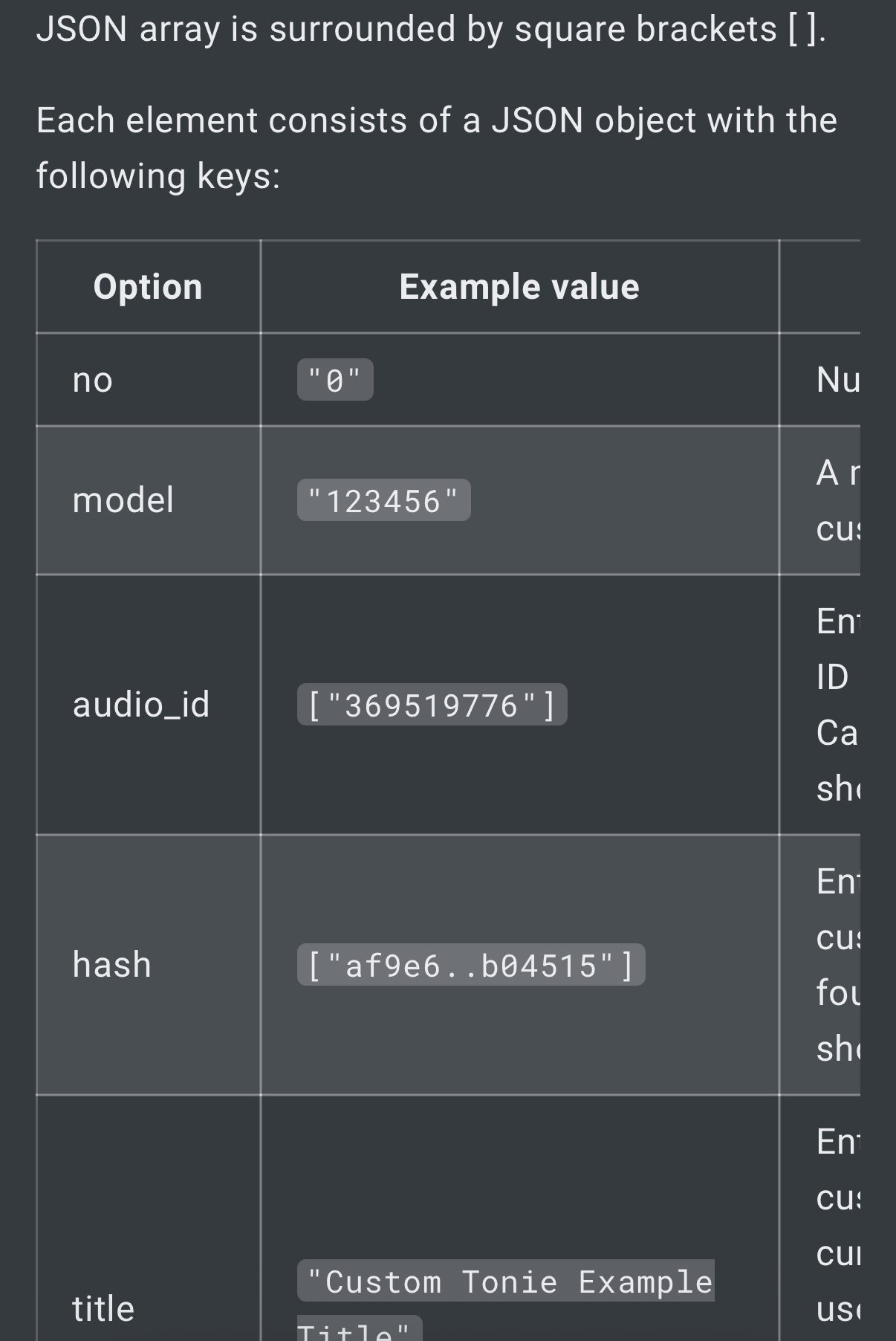
I’ve added some custom Tonies to the following file (tonies.custom.json) with all the necessary data (ID, hash, etc.).
They are displayed with their covers and work fine. However, they aren’t showing up in the new audio player. Do I need to edit something else for that to work?
I don’t quite understand the answer. The custom Tonies are displayed in the Tonies overview with cover art, etc. They also play without any problems on both Tonieboxes.
Then I place the custom RFID tag on the Toniebox.
A Tonie with a question mark symbol is then displayed in the Tonie menu.
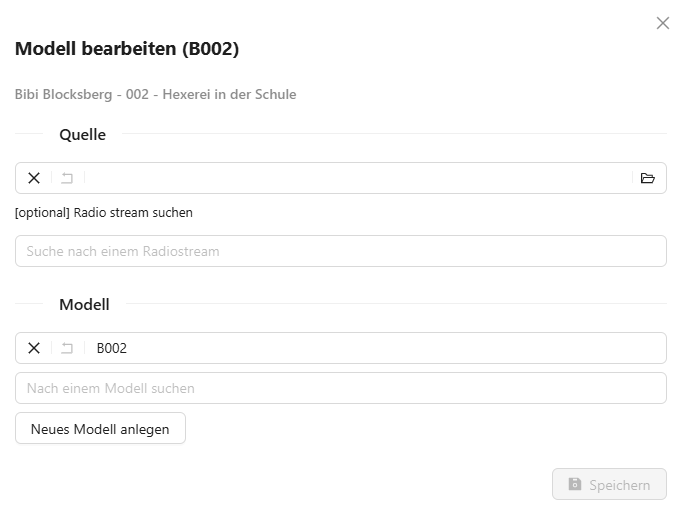
I then assign this to Tonie B002.
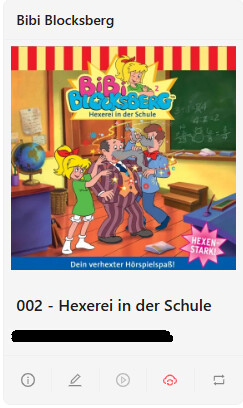
If I confirm with OK, all data from the custom Tonie file will be loaded, such as the image. Afterwards, I can use my custom tag and the information in the custom Tonie file to play my audio play.
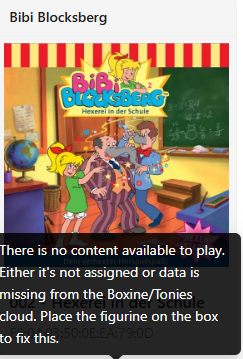
However, I cannot press the play button and play the audiobook via the web interface, even though playback works on the Toniebox. The audiobook isn’t displayed in the web player either.
If I add the corresponding source separately, even though the audio play is already displayed on the Toniebox, the logo gets a question mark, and the audio play is displayed in the web player. However, it’s only shown as a question mark and not with the cover art like in the Tonie menu.
Am I missing something? I assumed that if I added it in the custom Tonie settings, everything would work.
That’s exactly what I said. It’s only shows the content. You need to add the taf files audio id and hash value to the custom entry to get it working properly.
Edit: the Audio id and hashvalue is exactly the one from the audio file?
Thank you so much for the great help here. I’ve now changed it. Afterwards, I had to add the correct TAF file as the source for the custom Tonie. I think that’s normal, right?
Why are these values important?
These are displayed in the TAF header.
Size: 24903680
Tracks: 24
Confidence: 0
Are only custom Tonies assigned to an NFC tag displayed in the web player?
I created two additional custom Tonies today, complete with ID, hash, etc. These aren’t showing up in the Content tab. However, they are displayed in the Library section with all the information, such as cover art, episode details, etc.