You could setup a new instance and copy alle the certificates to the new one (and ensure the ip/ hostname stays the same). That’s the minimal approach.
The IP of the new teddycloud is different, so I think I have to flash the boxes again. Since I have all the certificates it should be enough to flash the c2.der (like explained in this thread, I have the cc3200 version of the box). Or do I miss something?
Edit: just changing the dns record in pihole to the new ip does not work, box just says code owl.
Edit2: I changed the ip of the new teddycloud server with macvlan to the old ip but I still get codeword owl.
INFO |cloud_request.c:0200:web_request()| Connecting to HTTP server prod.de.tbs.toys:443…
INFO |cloud_request.c:0252:web_request()| trying IP: 18.156.186.144
INFO |cloud_request.c:0200:web_request()| Connecting to HTTP server prod.de.tbs.toys:443…
INFO |cloud_request.c:0252:web_request()| trying IP: 3.69.182.181
INFO |cloud_request.c:0486:web_request()| Response: ‘1761996643’
INFO |cloud_request.c:0486:web_request()| Response: ‘1761996644’
INFO |handler_api.c:2389:handleApiTonieboxJson()| Trying to read /teddycloud/config/tonieboxes.json with size 3022
INFO |server.c:0961:server_init()| 1 open HTTPS API connections
INFO |server.c:0961:server_init()| 0 open HTTPS API connections
INFO |server.c:0961:server_init()| 1 open HTTPS API connections
INFO |server.c:0961:server_init()| 0 open HTTPS API connections
INFO |server.c:0961:server_init()| 1 open HTTPS API connections
INFO |server.c:0961:server_init()| 0 open HTTPS API connections
INFO |server.c:0961:server_init()| 1 open HTTPS API connections
INFO |server.c:0961:server_init()| 0 open HTTPS API connections
INFO |server.c:0961:server_init()| 1 open HTTPS API connections
INFO |server.c:0961:server_init()| 0 open HTTPS API connections
INFO |server.c:0961:server_init()| 1 open HTTPS API connections
INFO |server.c:0961:server_init()| 0 open HTTPS API connections
EDIT: I copied the server certificates from the old one to the new server and now the box is recognized. I thought I had done this but apparently not.
maybe there could be some feature implemented for the “rookies” like me which allowes to export/backup all the data from the Teddycloud GUI?
I’m also struggling to move my data from the “test” environment on Docker to the “live” system on Proxmox. the Proxmox container is already set up, now I’m stuck to move the existing data.
ChatGPT will give you detailed Information what You have to do (better than anyone here) seriously. Use such Tools for These questions. That’s where they are great. Even without an Account you will get the answer. And if the answer is to complicated, just say that and ChatGPT will reformierte it.
gave it multiple tries but still no success.
before I totally mess it up and waste any further hours with this instead of playing with the kids, I just leave it and wipe all data and start from scratch again. seems to be more efficient for me.
maybe some day there would be an easy “download data” or any similar feature also for the common operators like to backup the data that’s been on the TeddyCloud so far.
That will be never implemented within teddyCloud.
The data is available within the docker volumes, that are defined in the docker compose file. It can be easily accessed on the host and copied anywhere else if needed. https://docs.docker.com/engine/storage/volumes/#when-to-use-volumes
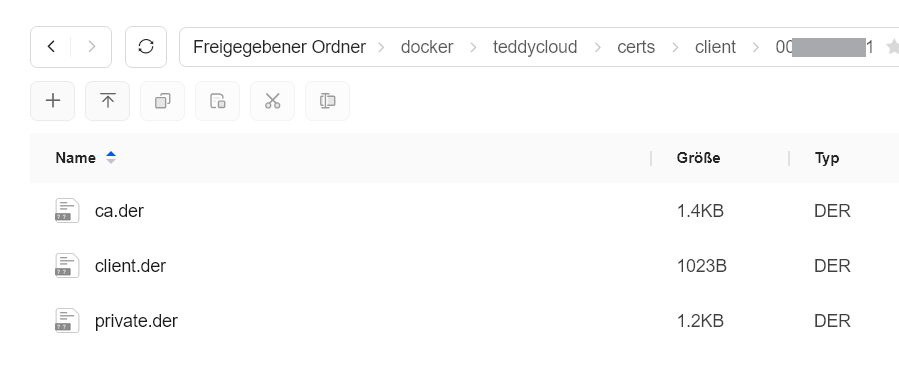
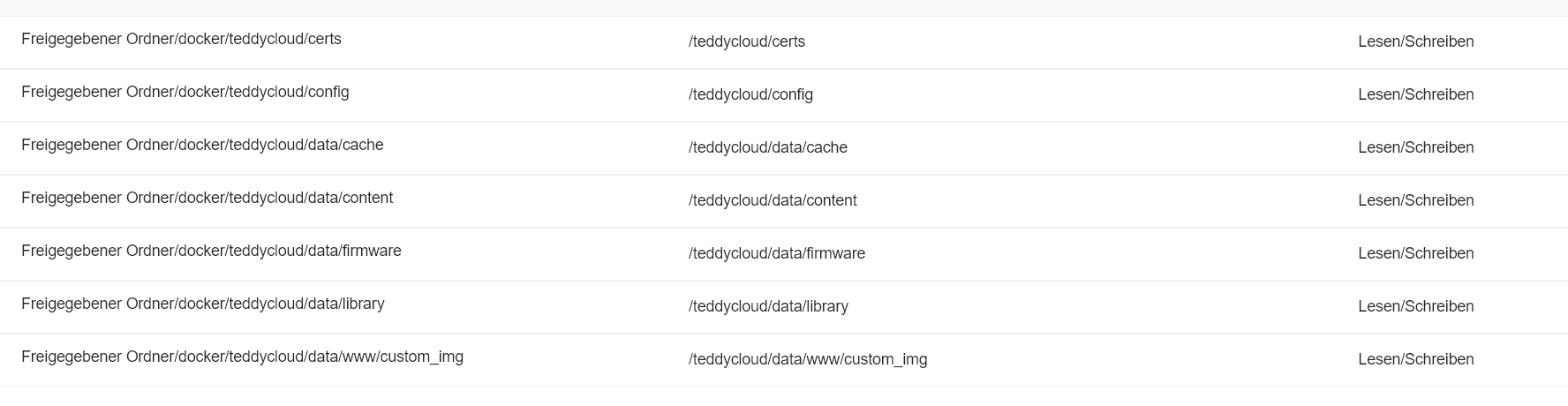
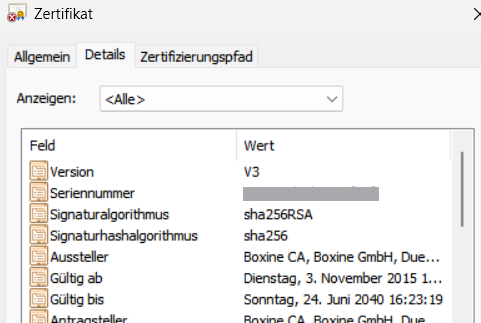
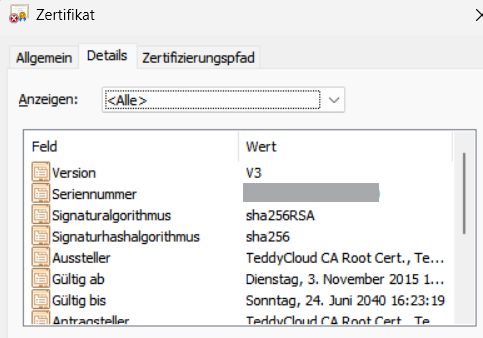

 ignore hints to delete data from docker. So nothing should go wrong