HI,
I have a lot of AudioIDs in the library. Are the AudioIDs not automatically assigned titles such as model series and episode? I imported the latest tonies.json into Docker. What do I need to do?
HI,
I have a lot of AudioIDs in the library. Are the AudioIDs not automatically assigned titles such as model series and episode? I imported the latest tonies.json into Docker. What do I need to do?
Did you reload the json in settings reload tonies json or restarted the teddycloud server afterwards?
That’s necessary.
Besides that still not all tonies have the necessary information in the tonies.json. You can check the missing tonies in teddycloud community section —> contribution —> tonies json
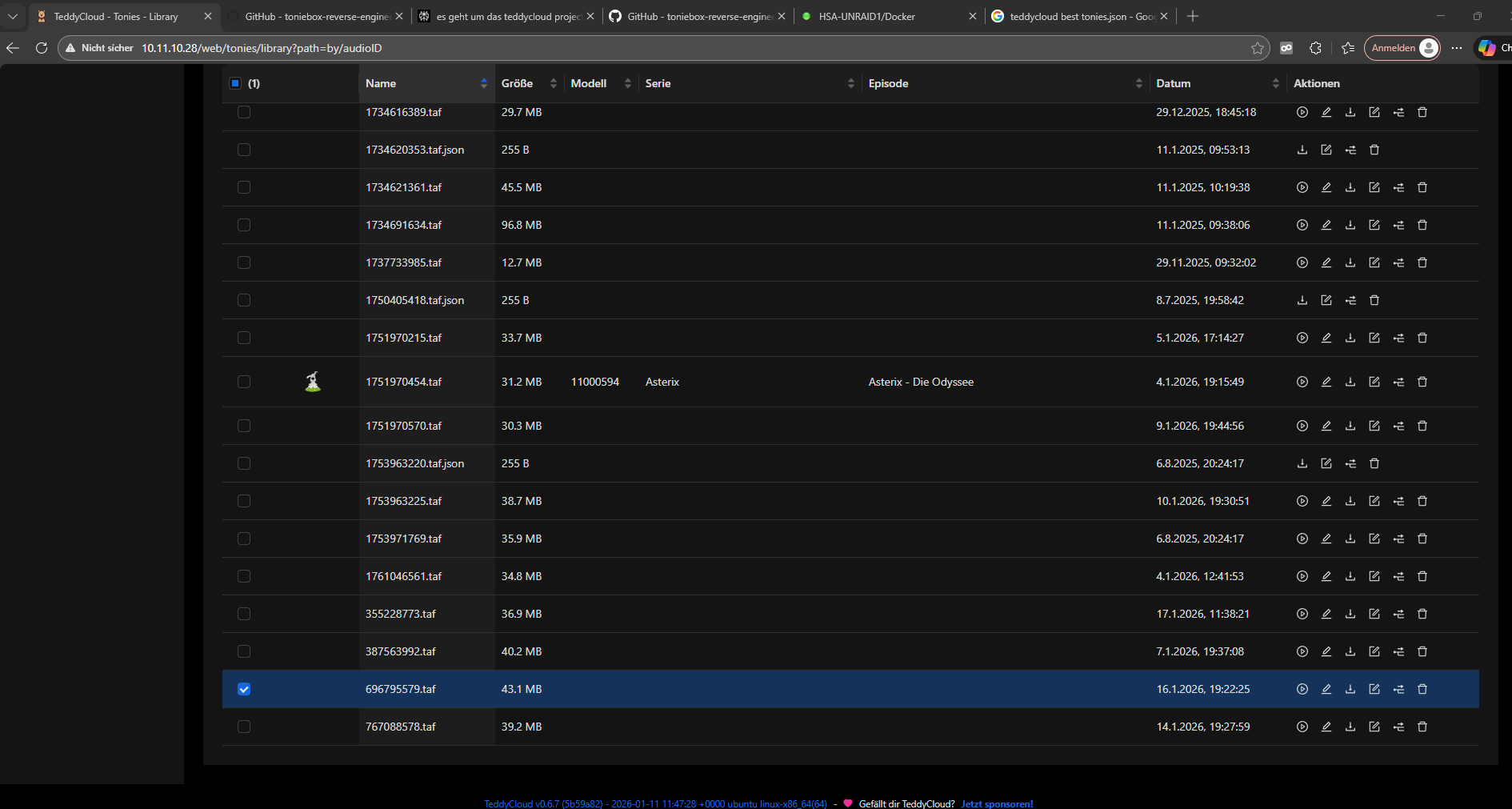
Hi henryk, of course, I restarted Docker afterwards. A few assignments are displayed. But with Paw Patrol, for example, the Tonie doesn’t appear. We bought several titles for this Tonie, and the TAF files are also displayed. But there are no titles and no images.
I can’t find any documentation online about toniesV2.json. Does that need to be imported as well? Could it be that the additional titles purchased from Tonies are simply never displayed?
Here is a screenshot.
As said. Audio id and hash might be missing on tonies.json. That’s quite often the case for additional audio content.
Without this, automatic assignment is not possible.
You can add those information in the tonies-json repository on GitHub. (Fork it, add them, create a pr).
ToniesV2.json does not matter, is just another version (iirc structural and maybe some additional information) of the tonies.json.
Can a tonies.json file contain more content than I have? I can’t imagine that there isn’t someone out there who has a tonies.json file that simply contains all the titles from the original cloud. Is the json file behind the link GitHub - toniebox-reverse-engineering/tonies-json: Database of (all) Tonies and its metadata to identify it also updated daily? I don’t like the formatting in tonies.json because it makes everything very difficult to find.
Could we work together to create an example? Then I’ll build it myself.
1753963216.taf is the Audio FIle for : PawPatrol Folgen 128-130 Der Sternschnuppen-Regen
Modell: 10000933
What would be the appropriate JSON command for this?
Tonies.json is aggregated data. Nothing for a human to use.
In the repository is a file for every known (scraped) content. As it does not scrape the content of course (which would be illegal), the audio id and hash is unknown. Those information can be added manually.
OK
I tried it myself and it seems to work. I entered the following in tonies.custom.json.
Is tonies.custom.json the right place for this?
EDIT: I delete the Content if its not allowed to post it.
As said. The audio id and hash should be added in the corresponding yaml file. Then everyone can profit. So only you profit if you add it in the tonies.custom .json
You can post the content. Nothing secret in it. I meant the audio content itself.
Okay, thanks for your help.
Now I’ve also found the YAML files in gihub. Do they just go in the Docker Config folder, or where do they go?
They are used to generate the tonies.json.
You don’t need them. That’s only the place where the audio id and hash must be added. With that the tonies json will contain that information after be t automatic generation. And then clicking on reload tonies.json in teddycloud will download this
How can I get a complete tonies.json file with all episodes? Are there any instructions for this?
Did you read my posts?
Teddycloud —> settings —> reload tonies.json (for internal use in teddycloud)
And of course here: https://raw.githubusercontent.com/toniebox-reverse-engineering/tonies-json/release/tonies.json
Thank you, of course I read your posts. I’m just not that familiar with GitHub, and I think the community could use some instructions on how to fork and then do everything correctly. I now understand that my AudioID and hash were simply missing from the YAML file. I’ll do the work and add them for all my Tonies.