I want to share the result of a long and painfull vibe coding session I have no idea what’s under the hood here but it’s working very pleasantly for me and gives a much more user flow to handling new custom contents.
-Parses the TAF file to automatically search for a matching cover, lets you customize the search or manually upload a cover as well
-stores the covers in your teddycloud
-automatically creates the JSON for the new custom tonie and adds it to the file
Just build it into a docker and give it a spin. The only requirements are access to the files, I mounted the folders via SMB and access to the teddycloud to communicate with the API.
Again a word of caution: 100% vibe coded without manual code checking or adjustments. Only tested briefly. Feel free to contribute and optimize where needed.
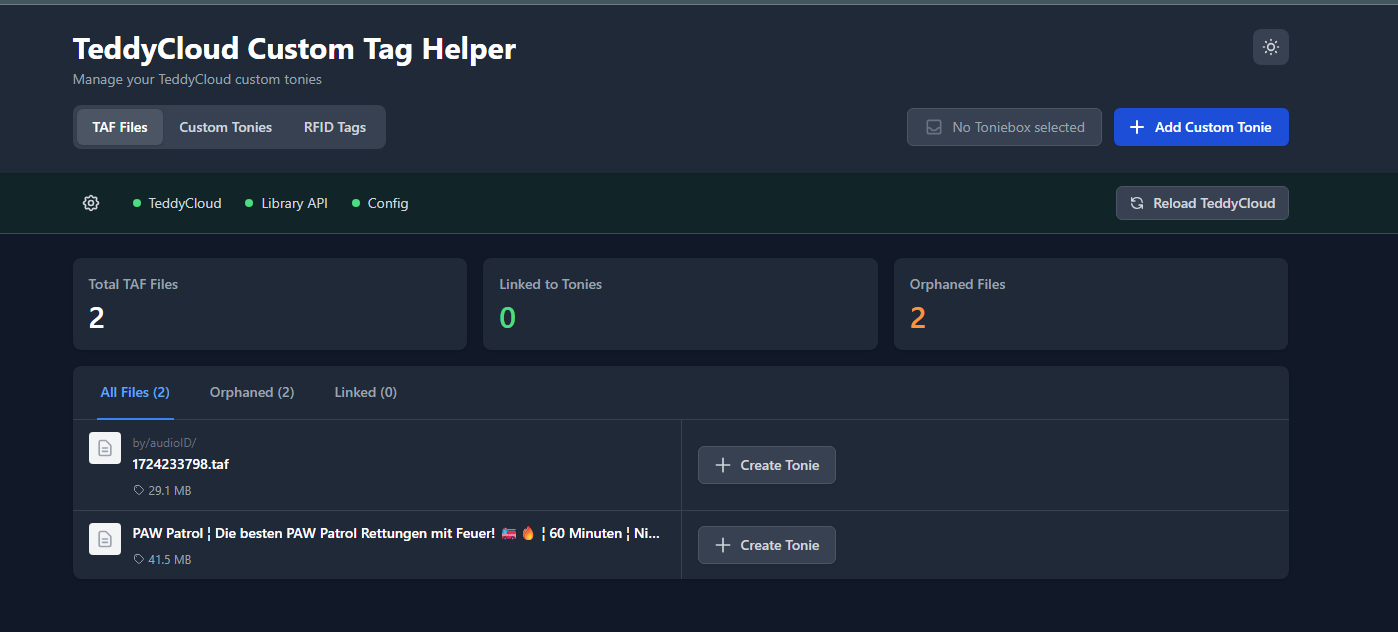
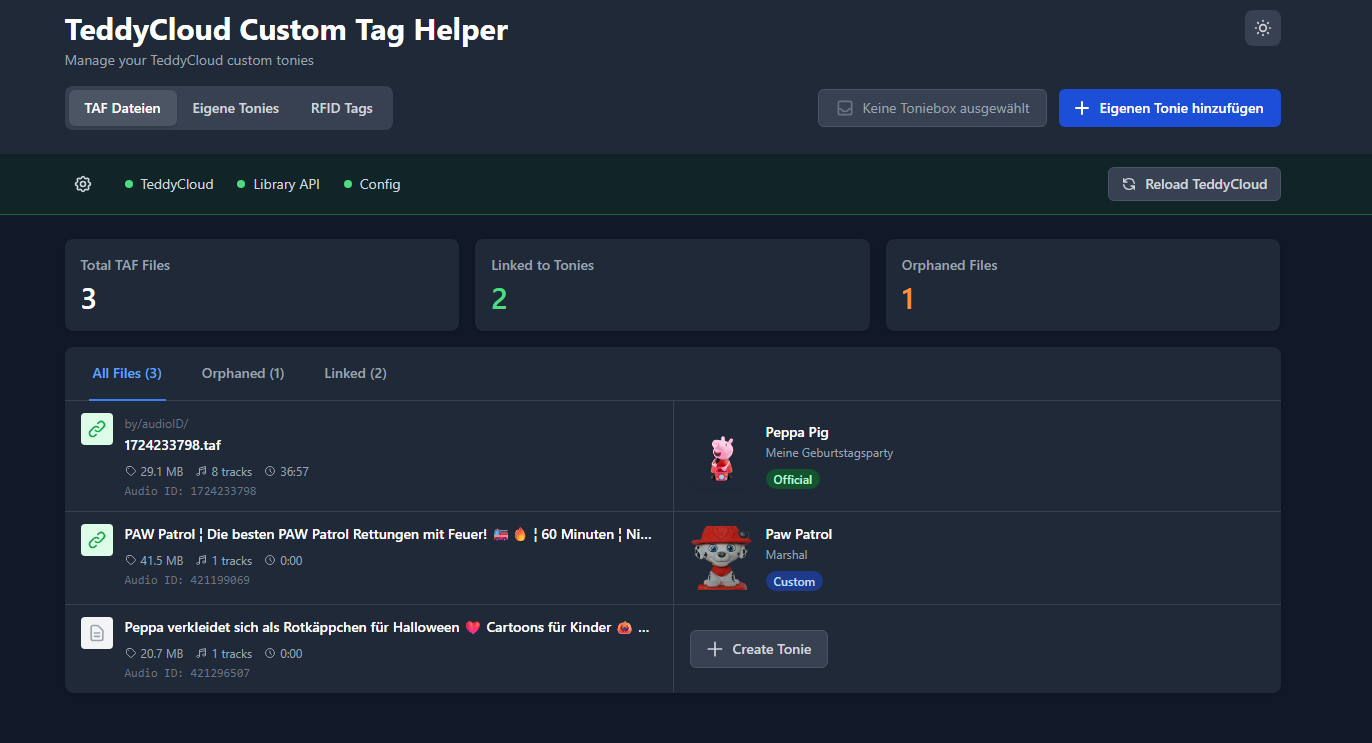
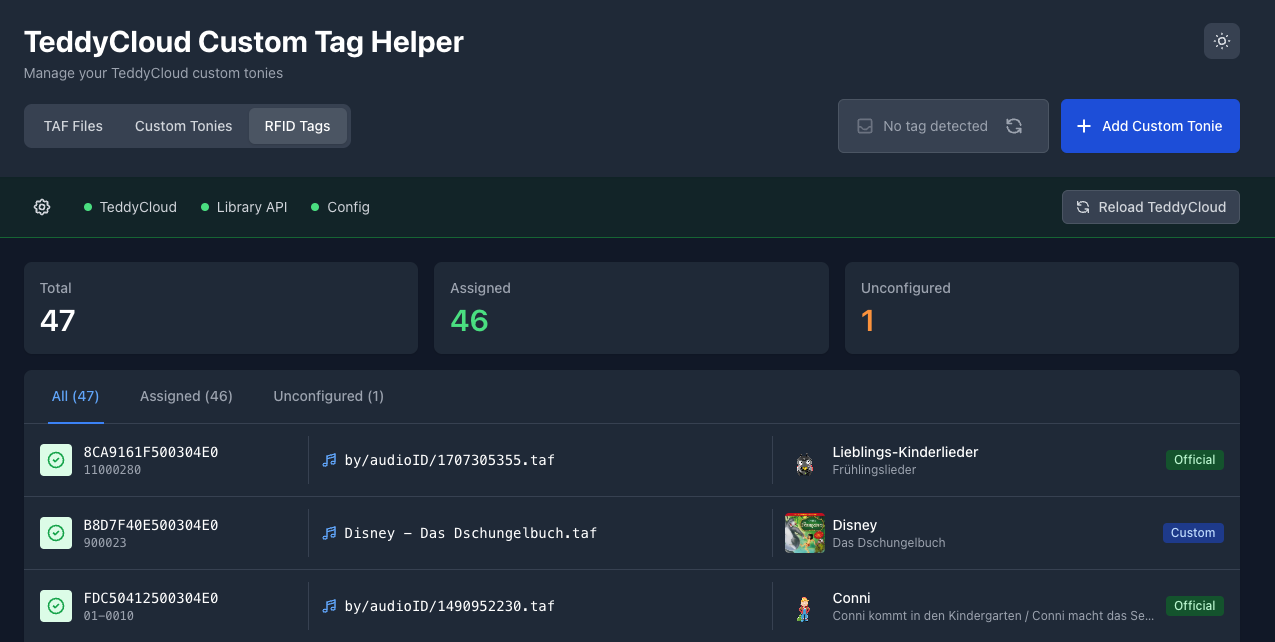
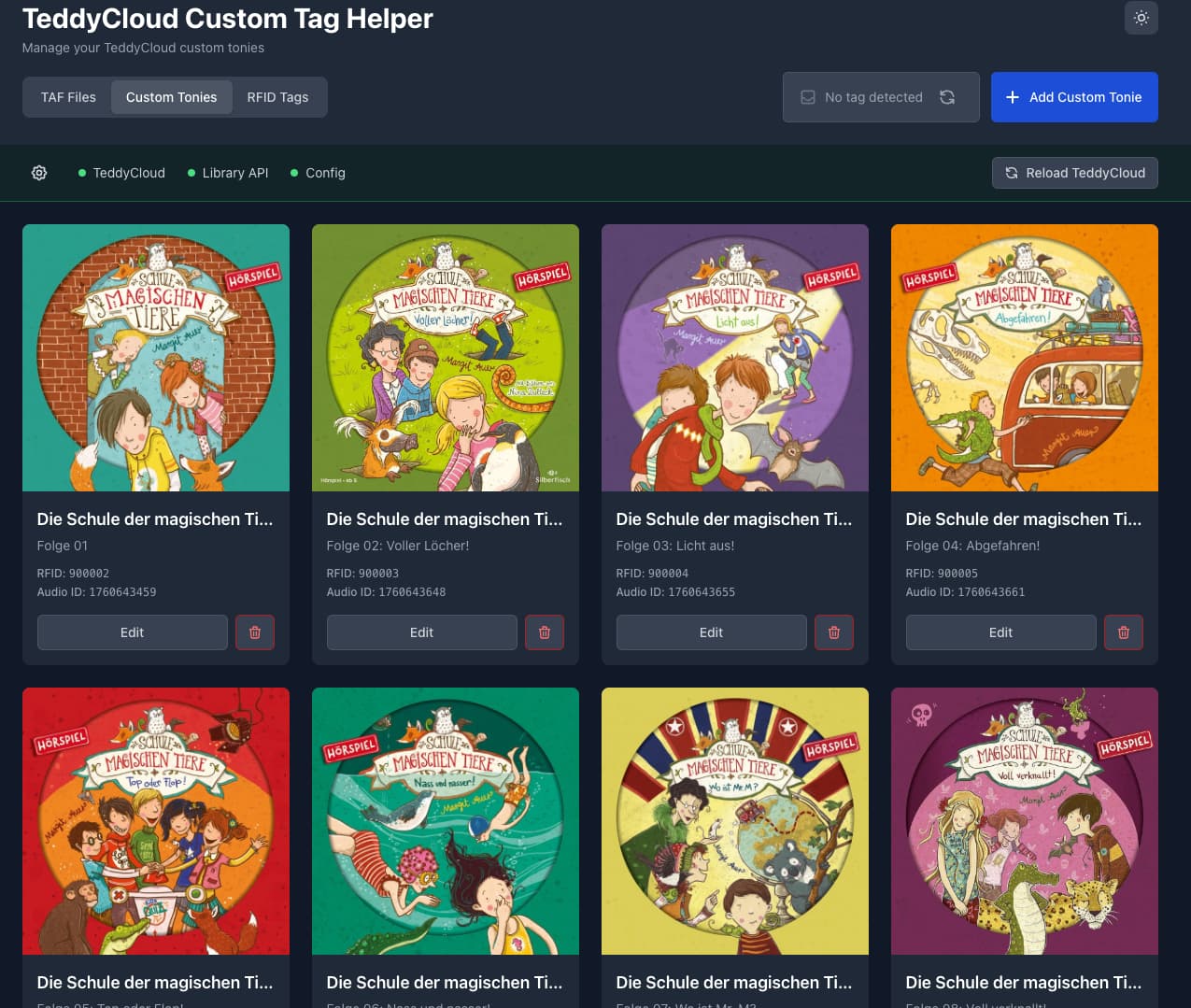
Overview of all TAF files inkluding the corresponding Tonie (differenciates between official and custom and parses the photos and descriptions for the offial ones as well)
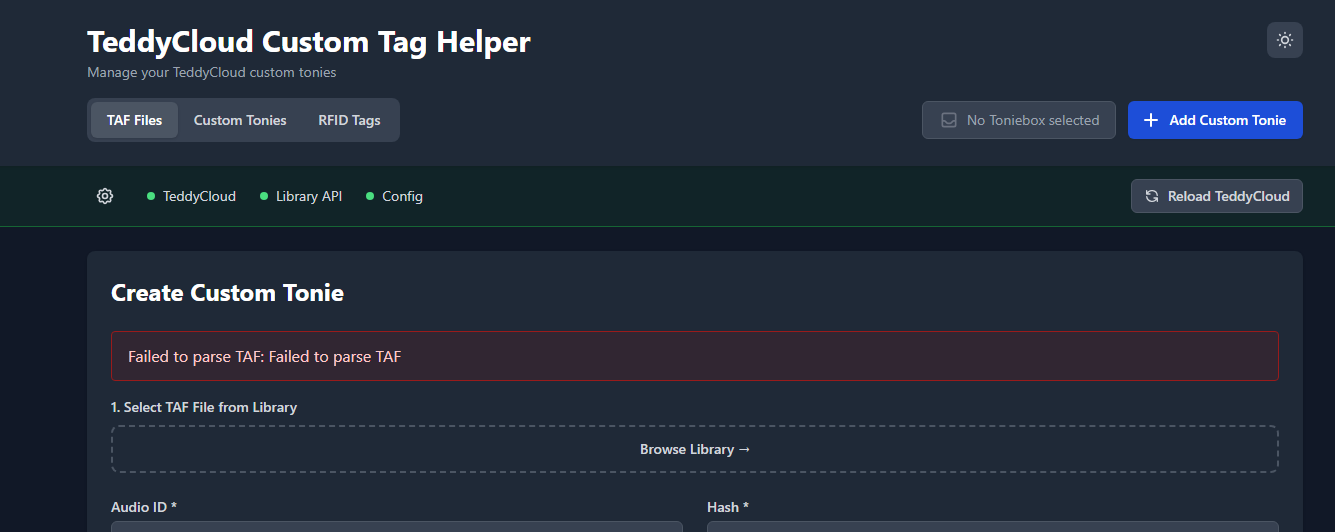
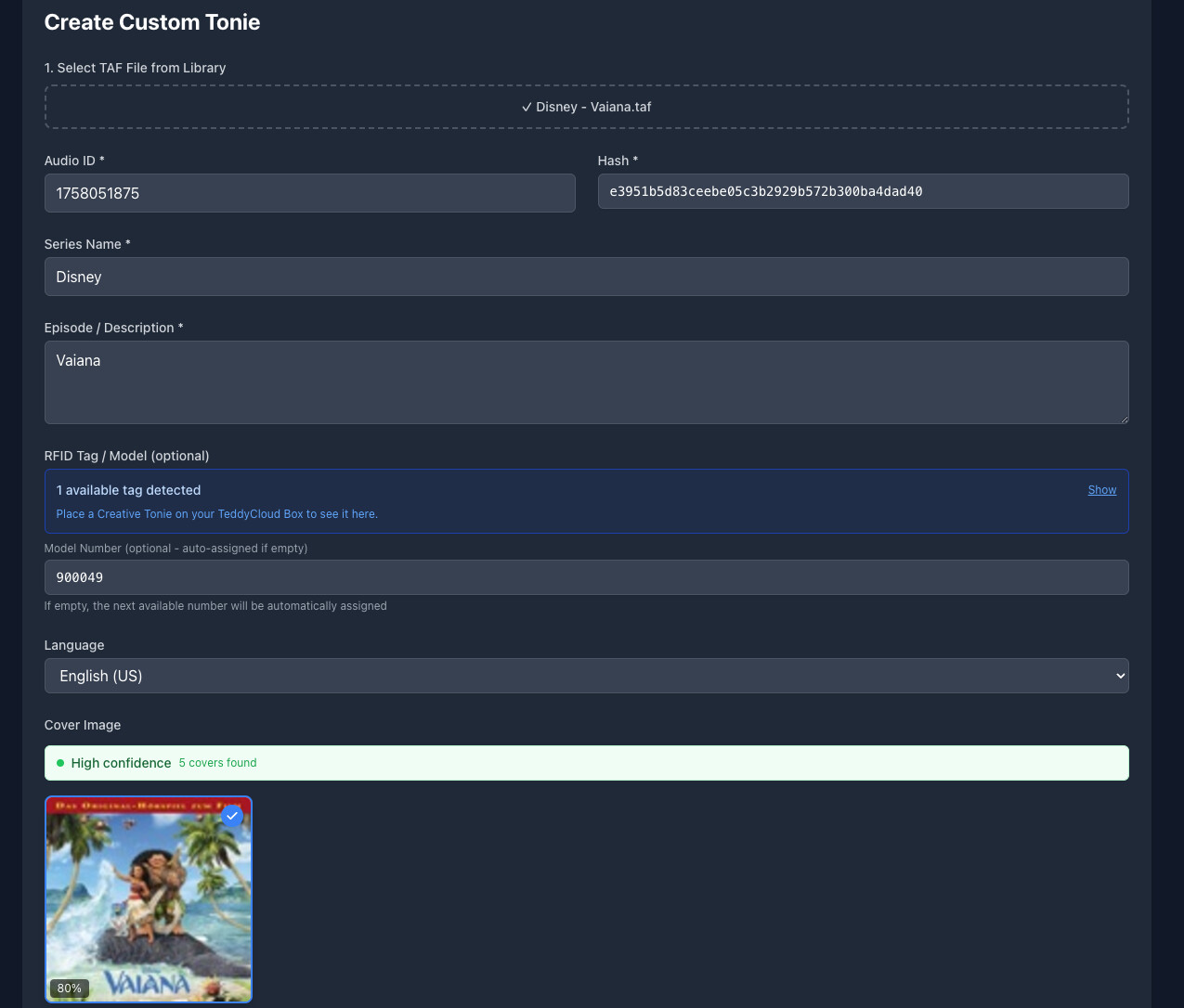
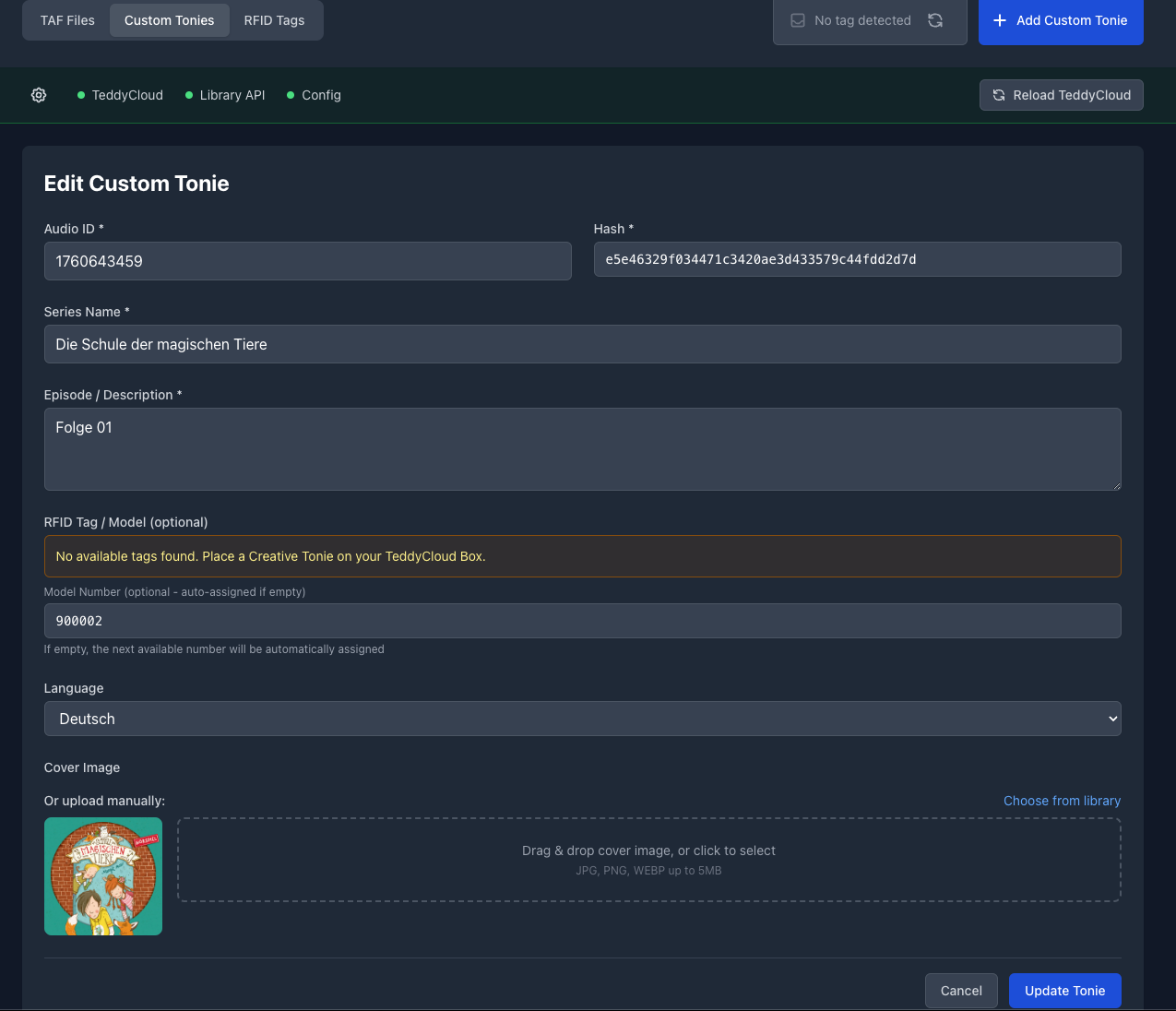
Example dialogue for adding a new custom tonie based on an uploaded TAF. It ready the available information from the TAG and tries to find a suitable cover via Musicbrainz. The search promt can be manually overwritten for better results. The cover is then automatically downloaded and stored. Manual upload via an upload dialogue or drag and drop is also possible.
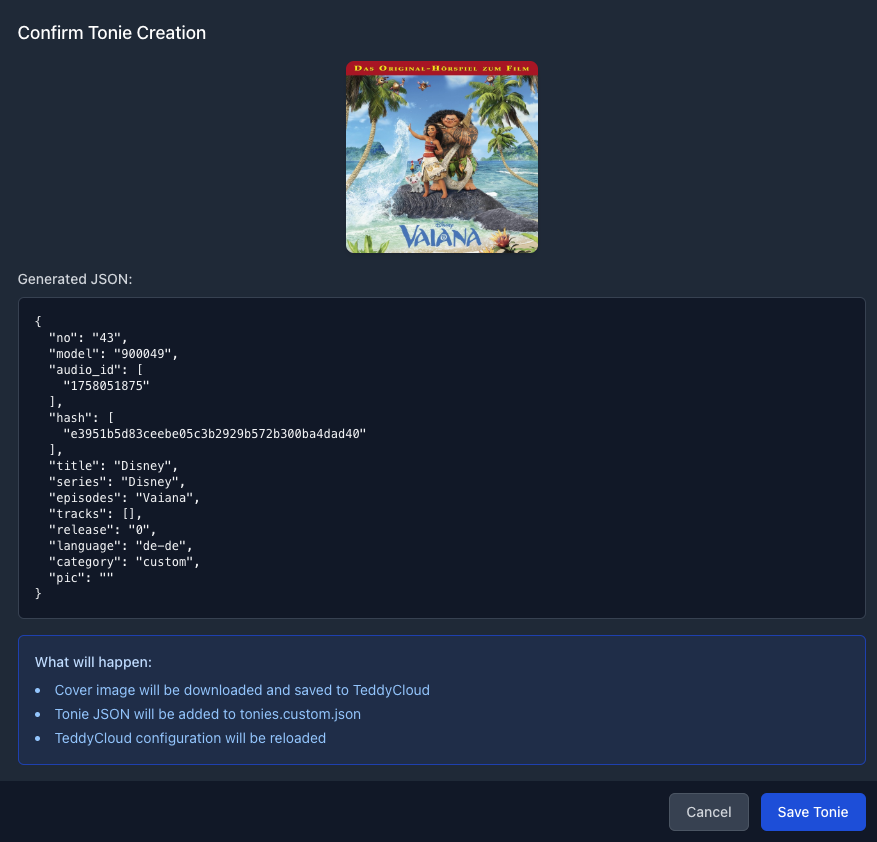
Preview of the generated JSON, the number should automaically count up to pick the next available one. Save automatically enters it into the existing file after creating a backup.
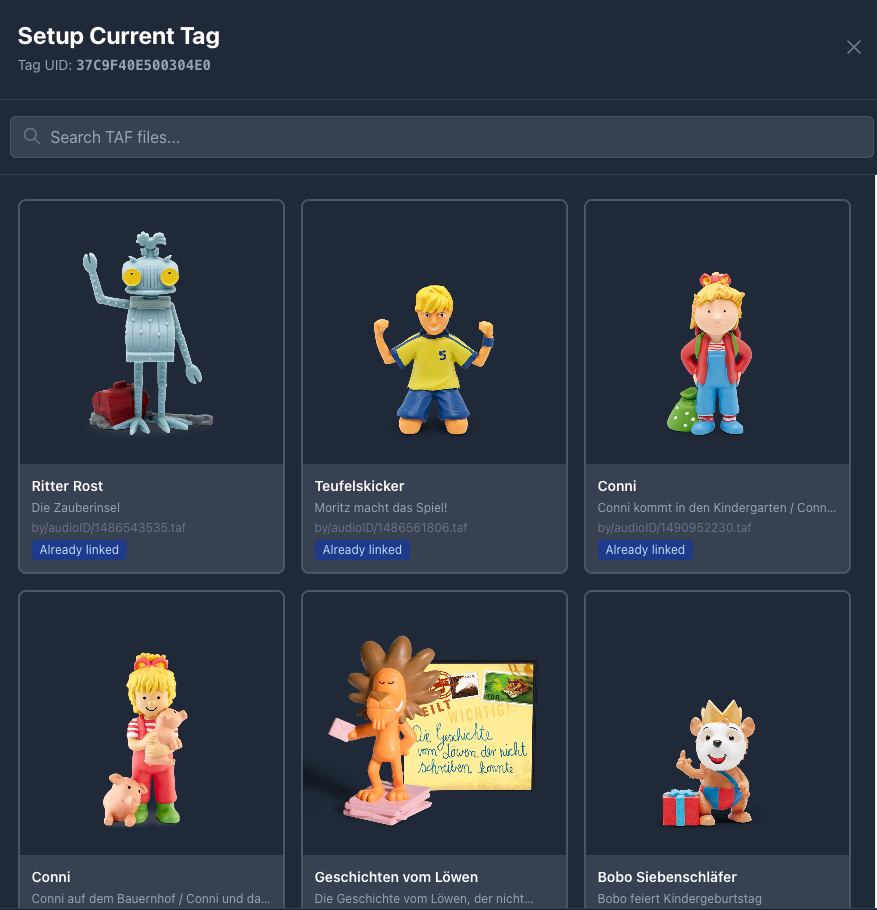
The linking dialogue shows all available tonies, official and custom. Web streams and the like are not supported and still have to be manually configured via the Teddycloud UI.
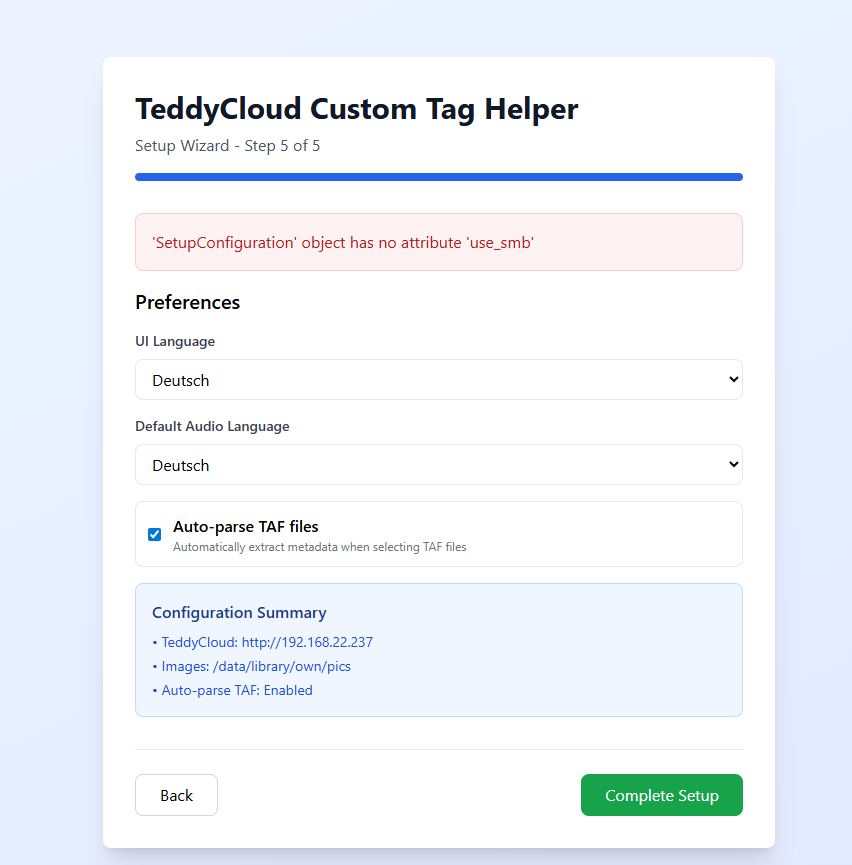
Thanks for your post and for your work! I can’t complete the wizard setup. On step 5 I get the error message ‘SetupConfiguration’ object has no attribute ‘use_smb’. What is missing?
Hi, I’ve tried to setup this container. had the same error at the end of setup with the smb, so I deleted the smb usage in the setup.py.
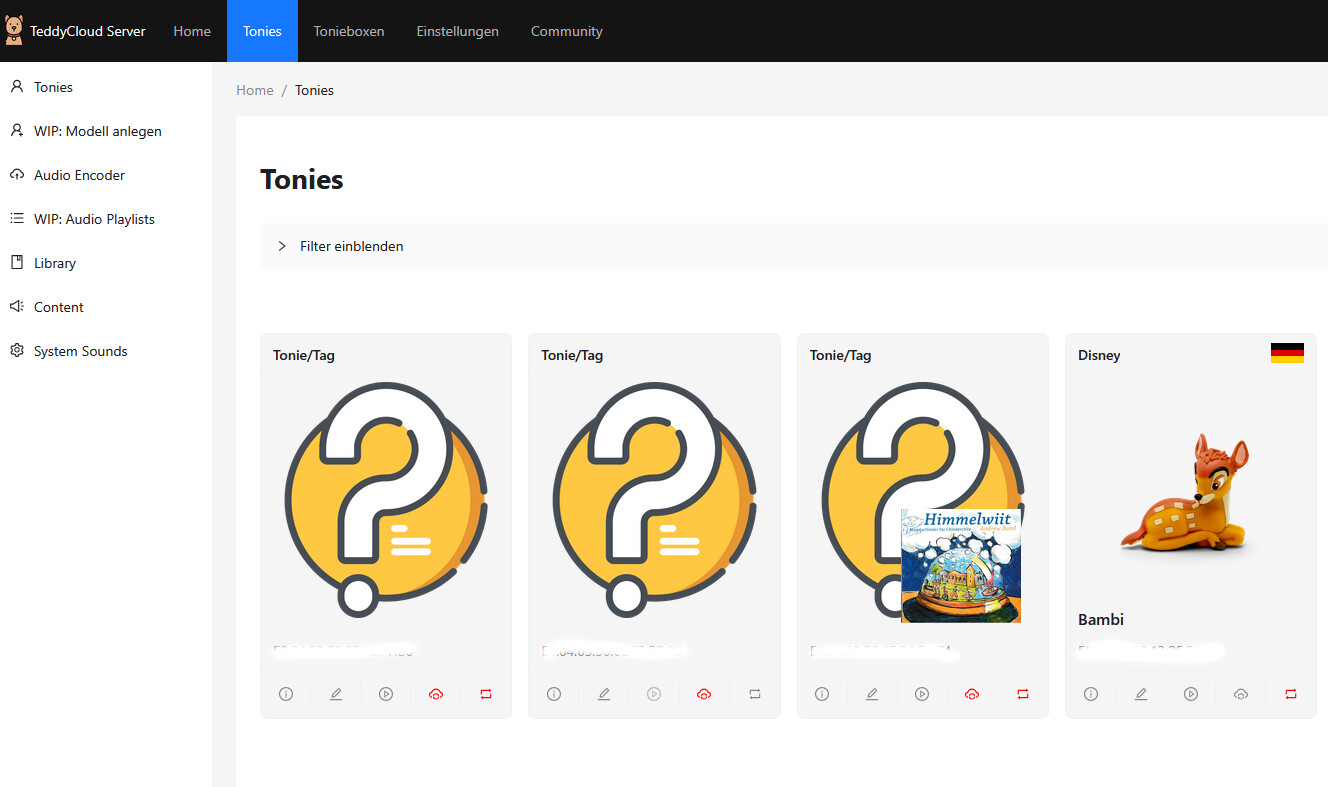
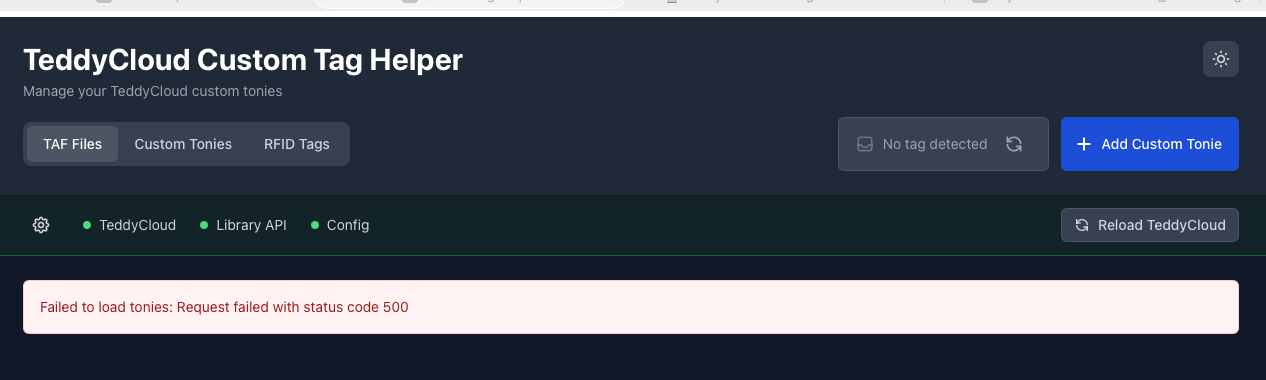
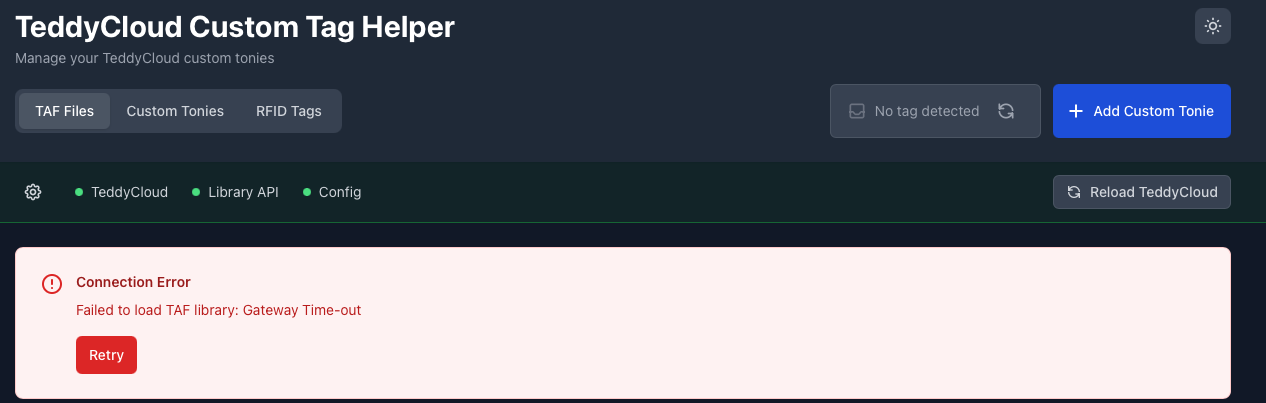
in the ui I get this error, but in my portioner logs seems to be no error.
@ [Xnitro_HD]
Make a copy of tonies.custom.json. Try to clear the tonies.custom.json and reload and see if with an empty file it would work. I think the content cannot be parsed…
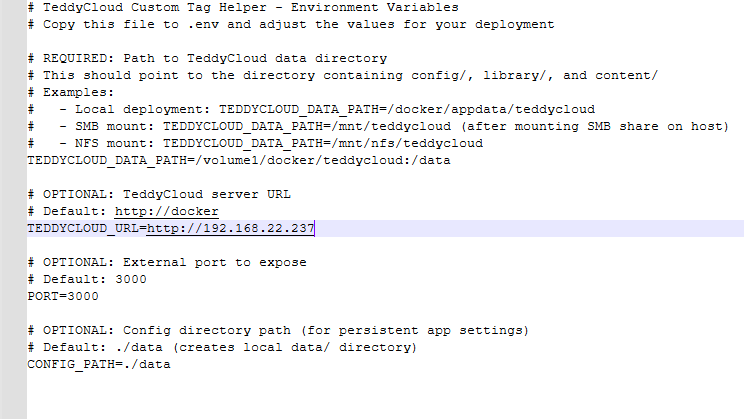
I got it working now. I had 2 errors. One was the rights weren’t quite as they should be and the second error was a mistake within the teddy cloud url. But I got it working in the end thnk you!
thanks, based on your first feedback regarding the setup error, I had a look at the smb topic and deleted the smb part in the setup.py => so setup were able to finish.
Now I’m one step further.
From the logs, I could see that the error was due to missing fields in my Custom.Tonie.json. “Failed to get TAF library: 1 validation error for TonieModel no Field required [type=missing, input_value={‘model’: ‘testmodel’, …}, input_type=dict] For further information visit ``https://errors.pydantic.dev/2.5/v/missing”
I hadn’t added the field “no:” to some of them, which hadn’t been a problem for Teddycloud itself so far, but led to the error here.
After I added “no:” to all of them, the error was gone.
However, there now seem to be performance and timeout issues when scanning the library. This may be due to the number of files I have, which is over 800.
Please give it another try with the update. All the SMB nonsense is an artifact from the initial idea of connecting to SMB from within the Docker. Claude Opus just fixed what Claude Sonnet messed up Everyone that actually knows code, feel free to commit pull requests.
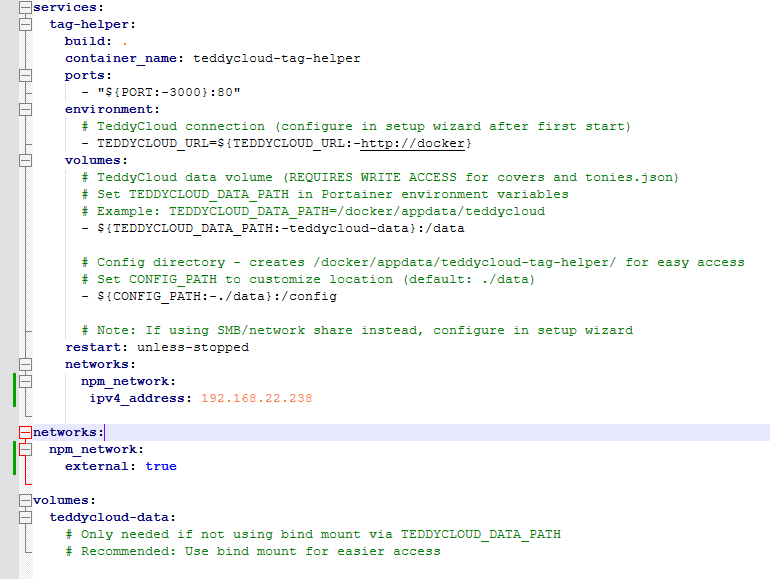
How exactly do I install it? Is this a separate system that needs to run in its own Docker container? I’m using Portainer and only have one Teddycloud instance running there.
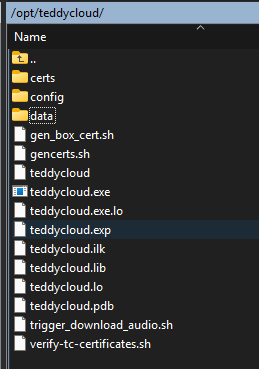
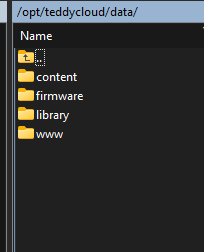
Hi. I have an Proxmox Helper Script LXC for my teddycloud. Anyone has experience with this because the Data folder structure is on my server different like the one decribed in the docs. And has anyone it running in the same LXC?
Maybe someone has experience with this.
I’ve tested your tool and opened (and meanwhile closed) some issues in your github repo about some minor bugs I’ve found (translation, multiple boxes, etc).
In the meantime I’ve setup a fork where I fixed all the issues and did some improvements:
implemented pagination
manual selection of default Toniebox when more than one Toniebox is connected to teddycloud
updated the repository to have a prebuilt docker file on github as well as a separate compose file for building the container
You can checkout the Changelog and test the modifications.
Thanks a lot! That’s more than appreciated since the buggy variant worked sufficiently for me but not for others, so proper fixing is great. Please make a PR, I’ll also give it a test and if it only fixes not break I’ll happily merge it.
 I have no idea what’s under the hood here but it’s working very pleasantly for me and gives a much more user flow to handling new custom contents.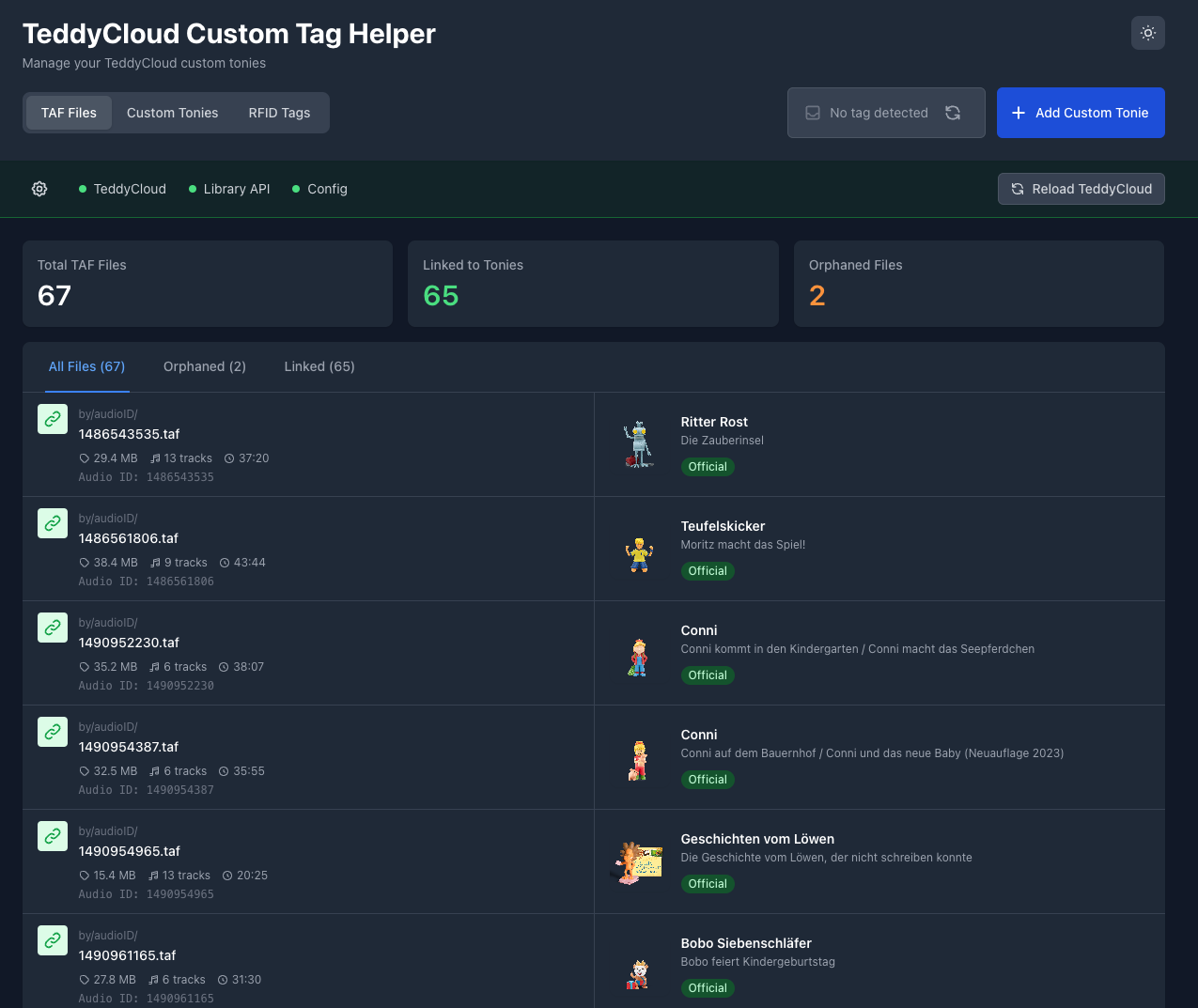
 I can’t complete the wizard setup. On step 5 I get the error message ‘SetupConfiguration’ object has no attribute ‘use_smb’. What is missing?