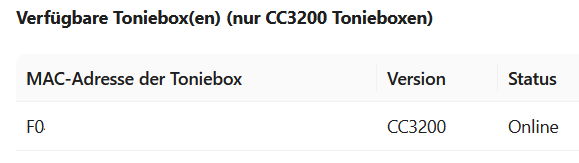
Box not shown in gui and Codeword ant

I would say I followed the instructions exactly. The one from the GUI and from this Vid https://www.youtube.com/watch?v=rtU45D_xNzs
However, I'm still getting the error message "ant" and cant see any Box at the GUI.

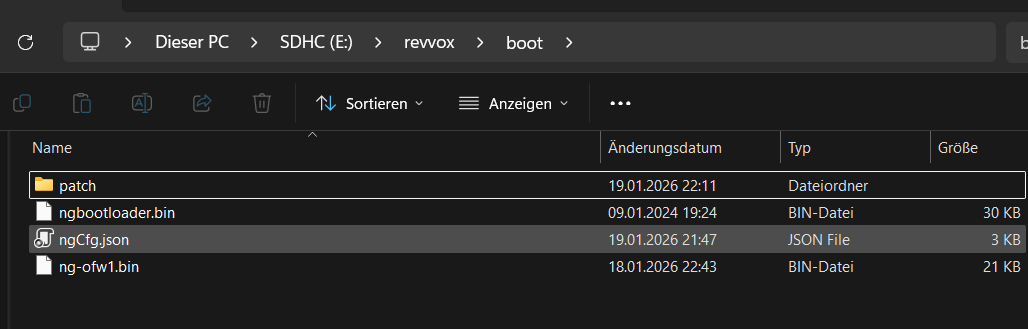
My ngCfg.json:

{
    "general": {
        "activeImg": "ofw2",
        "_descWaitForPress": "Waits for an earpress on startup",
        "waitForPress": false,
        "_descWaitForBoot": "Waits for an earpress before firmware boot",
        "waitForBoot": false,
        "waitTimeoutInS": 60,
        "_descMinBatteryLevel": "Divide through 2785 to get voltage",
        "minBatteryLevel": 8869,
        "ofwFixFlash": "/sys/pre-img.bin",
        "_descSerialLog": "Logging only works with the debug build!",
        "serialLog": false,
        "_descLogLevel": "0:Trace - 5:Fatal",
        "logLevel": 0,
        "_descLogColor": "Use colors in log output",
        "logColor": false
    },
    "ofw1": {
        "checkHash": false,
        "hashFile": false,
        "watchdog": true,
        "bootFlashImg": true,
        "flashImg": "/sys/pre-img.bin"
    },
    "ofw2": {
        "checkHash": true,
        "hashFile": false,
        "watchdog": true,
        "ofwFix": true,
        "ofwSimBL": true,
        "patches": ["altCa.305", "altUrl.tc.fritz.box"]
    },
    "ofw3": {
        "checkHash": true,
        "hashFile": false,
        "watchdog": true,
        "ofwFix": true,
        "patches": ["altCa.305", "altUrl.tc.fritz.box"]
    },
    "cfw1": {
        "checkHash": false,
        "hashFile": false,
        "watchdog": true
    },
    "cfw2": {
        "checkHash": false,
        "hashFile": false,
        "watchdog": true
    },
    "cfw3": {
        "checkHash": false,
        "hashFile": false,
        "watchdog": true
    },
    "add1": {
        "checkHash": true,
        "hashFile": false,
        "watchdog": true,
        "ofwFix": true,
        "ofwSimBL": false,        
        "patches": ["blockCheck.310", "noCerts.305", "noPass3.310", "noPrivacy.305", "uidCheck.307"]
    },
    "add2": {
        "checkHash": true,
        "hashFile": false,
        "watchdog": true,
        "ofwFix": true,
        "ofwSimBL": false,
        "patches": ["altCa.305", "altUrl.305"]
    },
    "add3": {
        "checkHash": true,
        "hashFile": false,
        "watchdog": true,
        "ofwFix": true,
        "ofwSimBL": false,
        "patches": ["altCa.305", "altUrl.305"]
    }
}


Docker and macvlan are running in Portainer and on the Synology NAS. All green.

I can access the GUI via IP address https 192.168.1.201 and HTTP with :80. I can also access it via tc.fritz.box.

I've flashed the c2.der firmware to the box several times without any error messages.

I've also tried the original SD card.

Unfortunately, I'm currently out of ideas and hope someone can help me.

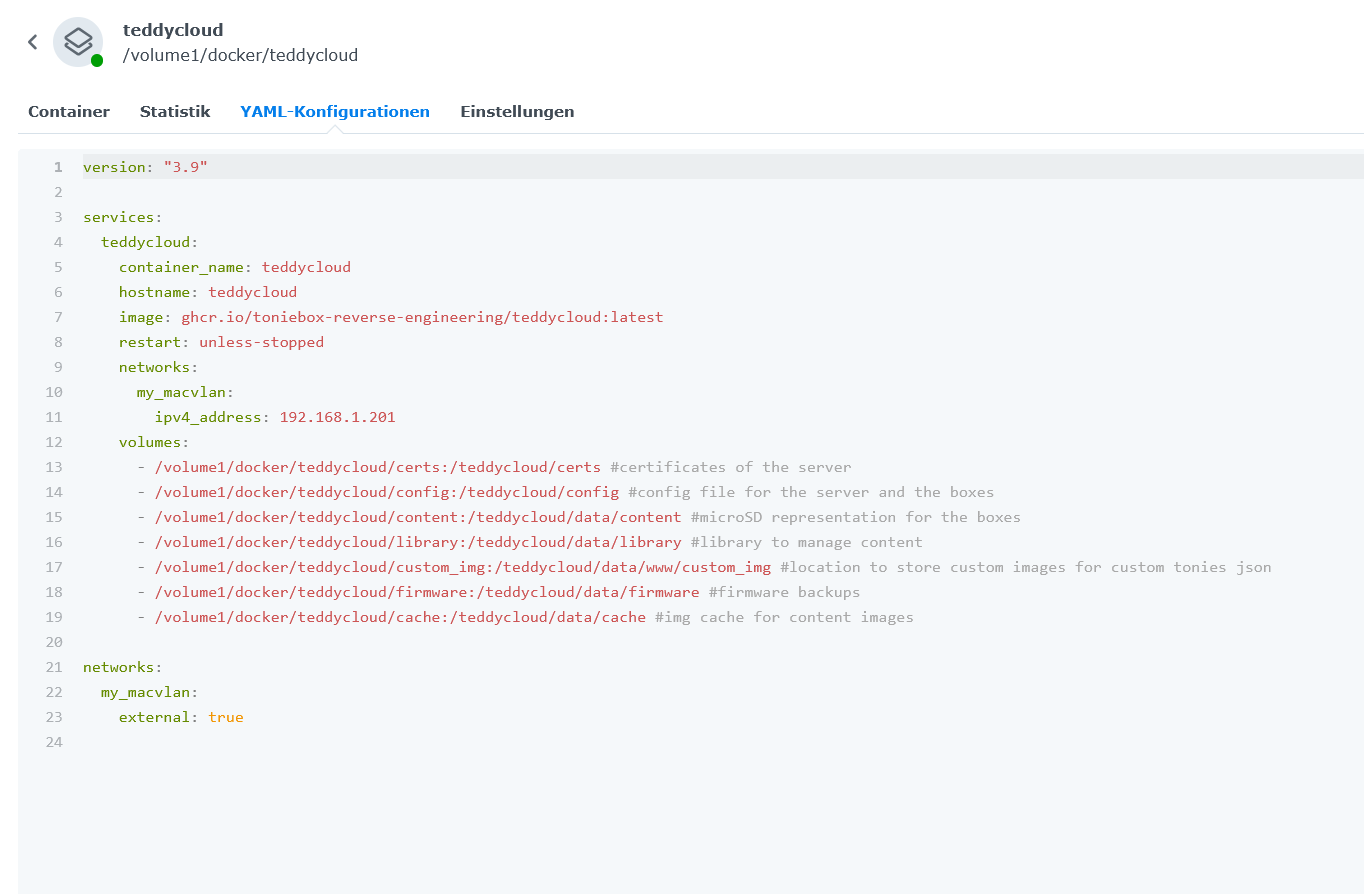
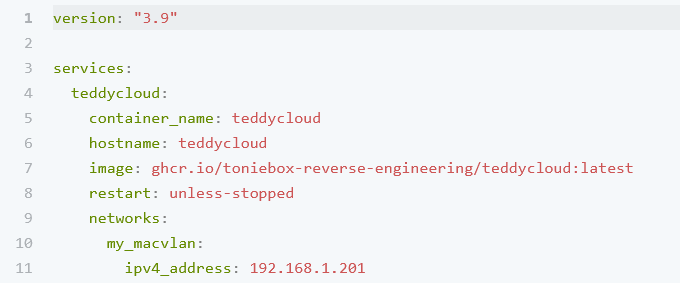
E:

version: “3.9”

services:

teddycloud:

container_name: teddycloud

hostname: teddycloud

image: ghcr.io/toniebox-reverse-engineering/teddycloud:latest

restart: unless-stopped

networks:

  my_macvlan:

    ipv4_address: 192.168.1.201

volumes:

  - /volume1/docker/teddycloud/certs:/teddycloud/certs #certificates of the server

  - /volume1/docker/teddycloud/config:/teddycloud/config #config file for the server and the boxes

  - /volume1/docker/teddycloud/content:/teddycloud/data/content #microSD representation for the boxes

  - /volume1/docker/teddycloud/library:/teddycloud/data/library #library to manage content

  - /volume1/docker/teddycloud/custom_img:/teddycloud/data/www/custom_img #location to store custom images for custom tonies json

  - /volume1/docker/teddycloud/firmware:/teddycloud/data/firmware #firmware backups

  - /volume1/docker/teddycloud/cache:/teddycloud/data/cache #img cache for content images

networks:

my_macvlan:

external: true
My English is fine but if theres a chance that someone DM me on German, it would be much easier

Can you reach tc.fritz.box with your browser?

If so, try to change it to td.fritz.box and adapt the alturl FRITZ!box patch (increase the second value in the patch line by 1) and try again.

1 Like

Thanks for that reply :saluting_face:

I’m not entirely sure what you mean by “increasing.” Do you mean upgrading OFW2 to OFW3?

Or something like this:

“patches”: [“altCa.305”, 1 “altUrl.tc.fritz.box”] ?

or like this:

“patches”: [“altCa.305”, “altUrl.tc.fritz.box1”] and change to td.fritz… ?!

I assume I then also need to change the patch to td.fritz… after chaning the name in the Fritzbox?!

Could you perhaps write it out for me as an example?

E: YES tc fritz.box is no problem to reach

E2: After changing it for testing to altUrl.tc.fritz.box1 getting Code Eule/Owl

I meant the content of the tc patch itself. If you open it, you will see two lines of numbers :wink:

But if tc.fritz.box is reachable, then it seems not to be necessary to do that

Okay, I undid it, but what do I do now? Now its Ant again :frowning:

td.fritz… works as well

Box keeps being online

grafik

Strange, after a while the Box is not online anymore in my FB

grafik

but than on again …

E: when i try to reset my Box, to choose a new Wifi, the blue LED just blink for a very short moment. Maybe also a problem?

And my NAS is shown two times in my FB. .114 and .250

Did you name your toniebox tc in your FRITZ!Box?

Teddycloud (your nas with the given macvlan ip) must be named tc!

Why did you do a firmware reset for adding the WiFi?

Stop doing crazy things.

  1. ensure with running ofw1 on your toniebox that you get the latest firmware (necessary if you really did a factory reset)
  2. Ensure your teddycloud ip is set to name tc in your FRITZ!Box.
  3. then check if it’s working.

Thanks for your help!

I tried the reset because i wasn’t sure anymore, if we maybe changed the Wifi while on vacation last week. Just to be sure.

I changed it to ofw1, set the Wifi again and the latest Firmware while Setup.

The Toniebox is now named tc in my Fritzbox.

“Teddycloud (your nas with the given macvlan ip) must be named tc!” ← where do i have to name it tc? in the yaml and/or the FB?

Like this?

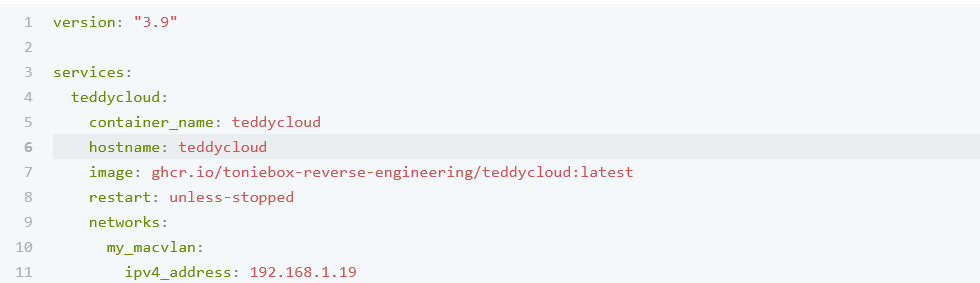
I changed the ip from .201 to .19 because of the max of 12 characters if needed later.

My NAS with macvlan:

grafik

My Toniebox

grafik

Toniebox is only online while using ofw1. Think thats must be like that as long as i dont get the Teddycloud running.

Sorry for the maybe dumb question. Can’t see the forest for the trees…

E: Im realy getting crazy… I don’t know why but my project ist now called

grafik

and i cant stop it. WTF??? I didn’t changed anything

Where did I say to you name your toniebox tc? That was a question. Your toniebox MUST NOT be named tc.

Naming must be in your FRITZ!Box.

But the different ips ranges seems to be the problem. I doubt both subnets can reach each other.

Sorry, I must have missed the question mark.

So, I rename it from “DS218Plus” to tc?!?

Which of the two entries do I use? Do you have any idea why the NAS is showing up with .114 (the static IP I assigned) and .250?

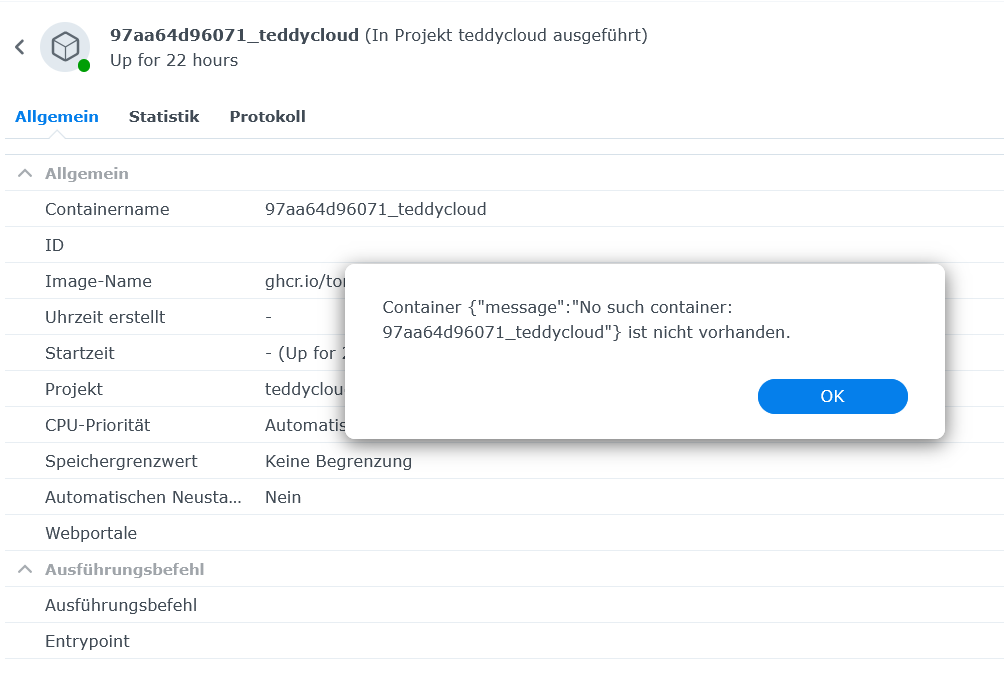
Currently, I’m having trouble closing the project in Container Manager; I’m only getting an error message.

I set the subnet according to the instructions.

DHCP from .20 to .191.

The Teddycloud is on .201. However, since I kept reading about a maximum of 12 characters, I wanted to test it on .19 and created and inserted an altUrl.custom.305 file from the website for testing purposes. So far, nothing has worked.

It can’t be that difficult, can it?!

I think I’ll have to delete everything and start over if I can’t resolve this.

The one with the ip you set for teddycloud in macvlan part in docker compose file.

Ok than it’s the .201. But i just see the Toniebox with .201

Did it but now Eule/Owl first and now Ameise/Ant again… and Owl again… I’m getting nuts

Box is Online in the Fritzbox

Please provide the following information:

  • Teddycloud ip (and hostname)
  • Toniebox ip
  • ip of your device (pc?) accessing teddycloud
  • Can you reach teddycloud from a mobile which is connected to your WiFi? (Ip of that mobile too)

I still think it’s a network problem.

Teddycloud is set to 192.168.1.201 in macvlan. Hostname teddycloud. Cant see it in my Fritzbox, so i sadly cant rename it atm :frowning: (here is the problem i think but not sure how to reach it)

Toniebox 192.168.1.22

grafik

Notebook 192.168.1.34 - with Full Access to the Web Gui over 192.168.1.201:8443 and :80

Can reach it from Mobile over 192.168.1.201 instant - IP 192.168.1.32

E: OMG !! Its working. Just undo all and set it new and there it is

The only thing i dont understand, is that Second DS218 with IP .250 in my FB. Is it becauce i exclude the ip in the macvlan settings in Portainer?

→ 192.168.1.250:5000/#/signin

E2: All other is working :partying_face: already saving some of our Tonies. I just have to refresh the Page before access on the Tracks. Is that the usual way?

THANKS FOR YOUR HELP @henryk tooks some time but it’s good now

A post was split to a new topic: Content assignement